index

Contact

Begin

back

free ressource

ai visual engineering

cheatsheet

QUICK ACCESS:

Prompt anatomY

APP/TOOL LIST

VISUAL LANGUAGES

Prompt anatomy

Prompt:

A (shot style 1 ), of a (subject information 2 ), onto a (scene information 3 ), in front of a (background information 4 ).

  1. the type of photography, illustration, painting along information like lens type, colour tones, image grain, etc.
  2. the subject size, colour, action, distance, direction and any other information.
  3. what the subject is positionned on, so what is under it.
  4. what is behind the subject, and what is in front of it.

eXEMPLES:
Prompt:

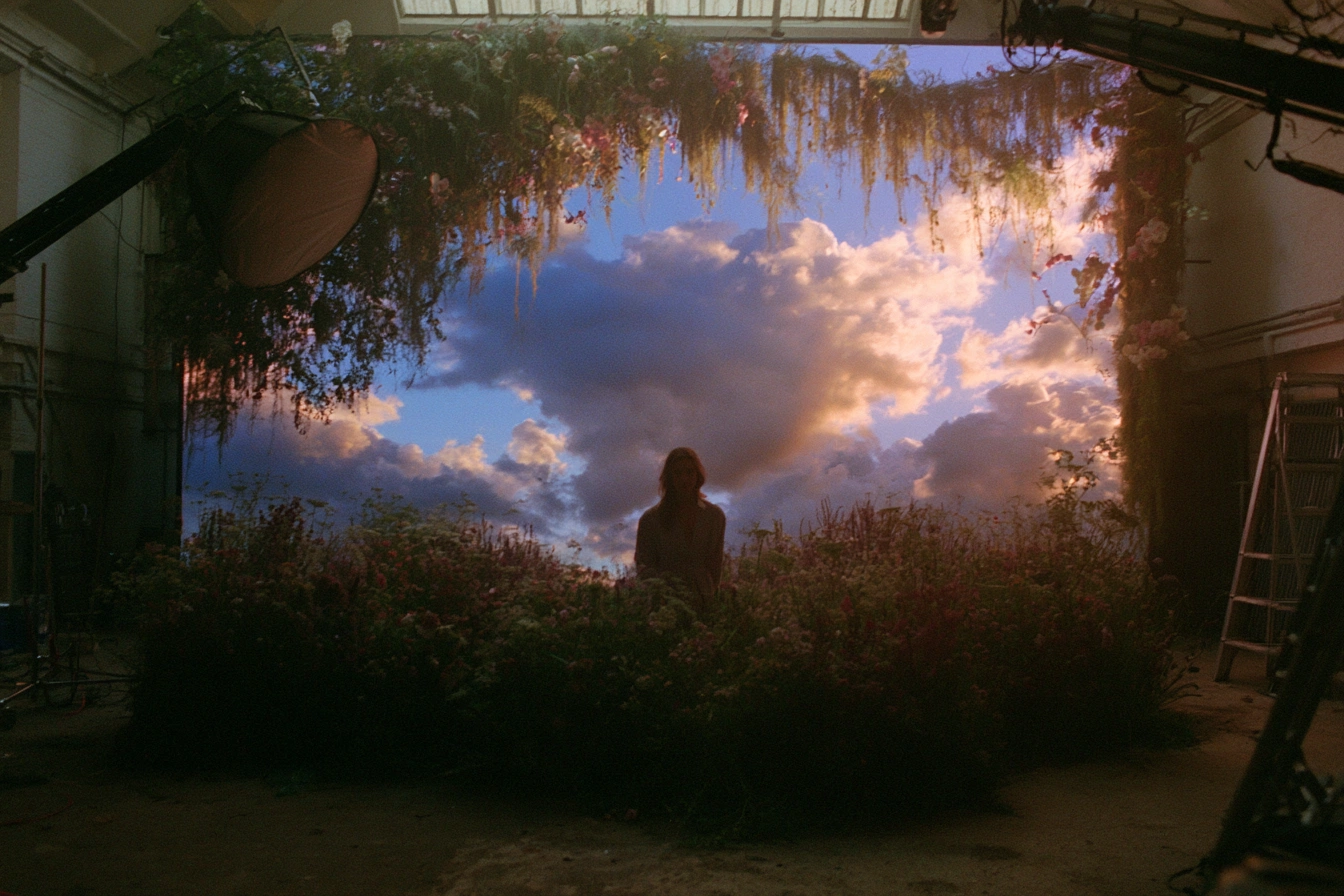
A wide cinematic behind-the-scenes high contrast studio photography longshot, of a solitary human figure sitting centrally in a vast meadow of wildflowers, appearing as a dark silhouette against the light, medium-sized in frame, facing toward the camera, seated still with a calm, contemplative posture, onto a dense carpet of natural wildflowers and tall grasses covering the studio floor, with soft vegetation surrounding the subject on all sides, in front of a massive wall-sized LED volume displaying a dramatic sunset sky filled with towering cumulus clouds, framed by an overhead canopy of hanging vines, moss, and flowering plants that blend the physical set into the digital background.
Prompt:

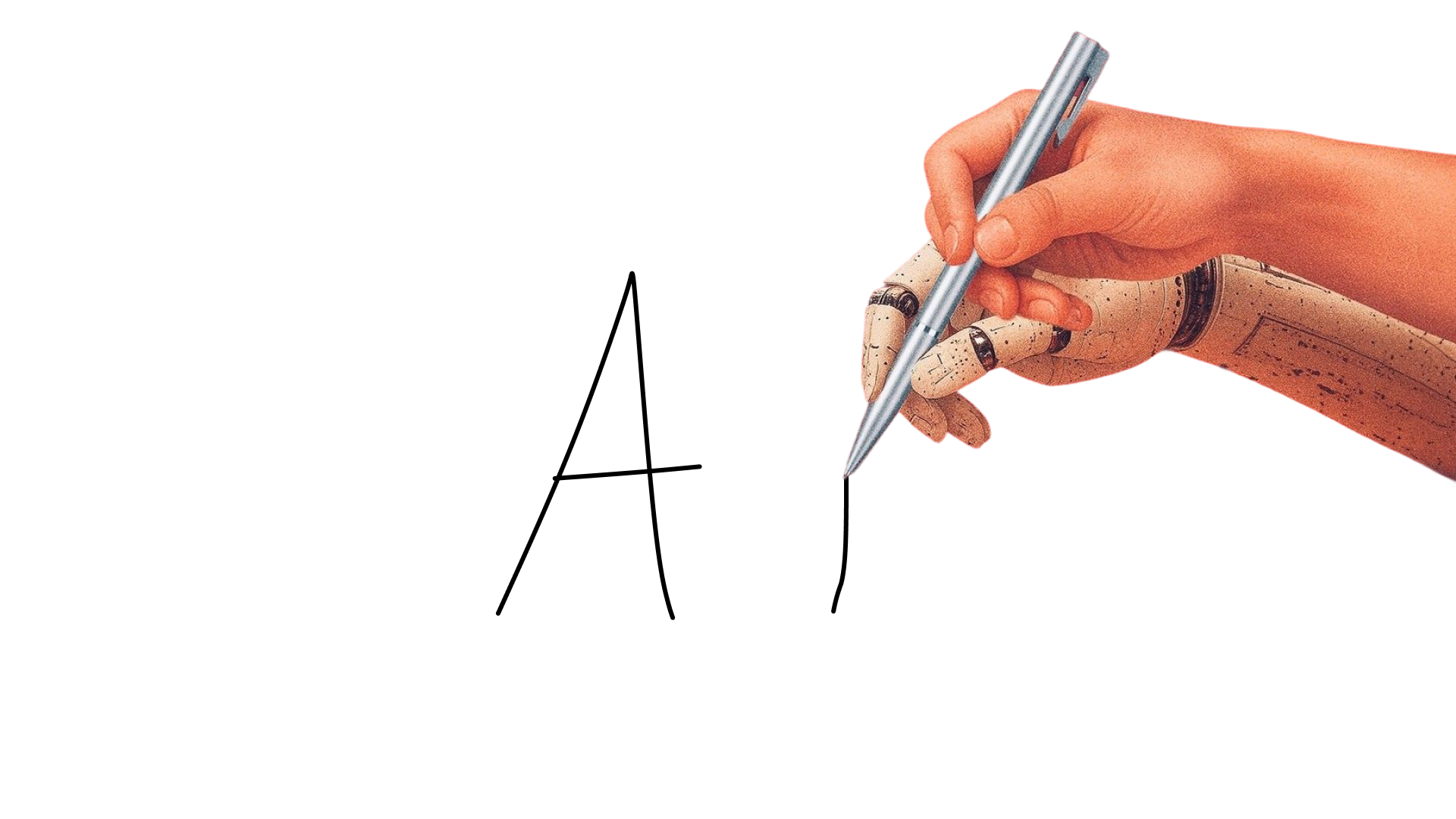
A minimalist close-up product-style shot, of a human hand gently overlapping with a robotic hand, both collaboratively holding a metallic silver stylus while writing a bold black capital letter, the hands occupying the right third of the frame, viewed from the side at close distance against a clean composition, onto a smooth matte white writing surface serving as a blank canvas, with the pen tip making direct contact with the surface while producing crisp black ink strokes, in front of a seamless high-key white background with no visible horizon or environmental distractions, emphasizing the interaction between human and artificial intelligence.

tool list

image / video generation interfaces:

good models to use in the tools:

post editing software:

Visual LANGUAGES

tone

Emotional temperature—warmth, coolness, neutrality

Contrast

Luminance differential; visual hierarchy through opposition

Texture

Surface quality, tactile suggestion, material presence

Scale

Relative size relationships, monumentality or intimacy

Rhythm

Visual repetition and interval, pacing the eye

density

number of element in the composition

Balance

Distribution of visual weight—symmetrical or dynamic

Opacity

Edge definition, focal precision vs. atmospheric softness

Depth

Z-axis layering, foreground/midground/background

Reflection

Transparency layering, ghosting, superimposition

Motion

Implied or actual movement, directional energy

Crop

Frame boundary as editorial decision

Grain

Noise structure, analog residue, temporal texture

Perspective

Dimensional ratio, cinematic or native format

Types of shots

Close-up

(ex:textures)

distant

(ex:longshot)

movement

(ex:Dynamic)

POV

(ex:experience)

B.T.s

(ex:Process)

Creative

(ex:Experimental)

technology

(ex:Interface,tools)

facing

(ex:Contextual)

full body

(ex:full subject)

lifestyle

(ex:Aspiration)

product

(ex:central scene)

Aerial

(ex:drone shot)

Flash

(ex:Over-exposed)

Film

(ex:Grainy)

Isometric

(ex:45-degree)

collage

(ex:High above)

Fisheye

(ex:Wide angle)

render

(ex:3d, digital)

photoshoot

(ex:editorial)

monotone

(ex:minimal colors)

Noir

(ex:High contrast)

portrait

(ex:of user)

Surreal

(ex:impossible)

illustrative

(ex:art, hand-made)

Mockups (System Layer)

Real-world or digital context simulations of designs.

Ex: billboard, poster. etc

Billboard Mockups

Large-scale outdoor ad simulations in real environments.

Ex: ad placed on city billboard

Close-Up Digital Assets

Zoomed-in detail shots of UI, icons, or design elements.

Ex: close-up of buttons and UI texture

UI / Product Systems

Actual functional interfaces of digital products.

Ex: SaaS dashboard screens and states

back to top

J

U

J

U

M

O

O

M

justin.mrst@gmail.com

Justin Morissette 2026

index

Contact

Begin course

back

free ressource

ai visual engineering

cheatsheet

QUICK ACCESS:

Prompt anatomY

APP/TOOL LIST

VISUAL LANGUAGES

Prompt anatomy

Prompt:

A (shot style 1 ), of a (subject information 2 ), onto a (scene information 3 ), in front of a (background information 4 ).

  1. the type of photography, illustration, painting along information like lens type, colour tones, image grain, etc.
  2. the subject size, colour, action, distance, direction and any other information.
  3. what the subject is positionned on, so what is under it.
  4. what is behind the subject, and what is in front of it.

eXEMPLES:

Prompt:

A wide cinematic behind-the-scenes high contrast studio photography longshot, of a solitary human figure sitting centrally in a vast meadow of wildflowers, appearing as a dark silhouette against the light, medium-sized in frame, facing toward the camera, seated still with a calm, contemplative posture, onto a dense carpet of natural wildflowers and tall grasses covering the studio floor, with soft vegetation surrounding the subject on all sides, in front of a massive wall-sized LED volume displaying a dramatic sunset sky filled with towering cumulus clouds, framed by an overhead canopy of hanging vines, moss, and flowering plants that blend the physical set into the digital background.

Prompt:

A minimalist close-up product-style shot, of a human hand gently overlapping with a robotic hand, both collaboratively holding a metallic silver stylus while writing a bold black capital letter, the hands occupying the right third of the frame, viewed from the side at close distance against a clean composition, onto a smooth matte white writing surface serving as a blank canvas, with the pen tip making direct contact with the surface while producing crisp black ink strokes, in front of a seamless high-key white background with no visible horizon or environmental distractions, emphasizing the interaction between human and artificial intelligence.

tool list

image / video generation interfaces:

good models to use in the tools:

post editing software:

Visual LANGUAGES

tone

Emotional temperature—warmth, coolness, neutrality

Contrast

Luminance differential; visual hierarchy through opposition

Texture

Surface quality, tactile suggestion, material presence

Scale

Relative size relationships, monumentality or intimacy

Rhythm

Visual repetition and interval, pacing the eye

density

number of element in the composition

Balance

Distribution of visual weight—symmetrical or dynamic

Opacity

Edge definition, focal precision vs. atmospheric softness

Depth

Z-axis layering, foreground/midground/background

Reflection

Transparency layering, ghosting, superimposition

Motion

Implied or actual movement, directional energy

Crop

Frame boundary as editorial decision

Grain

Noise structure, analog residue, temporal texture

Perspective

Dimensional ratio, cinematic or native format

Types of shots

Close-up

(ex:textures)

distant

(ex:longshot)

movement

(ex:Dynamic)

POV

(ex:experience)

B.T.s

(ex:Process)

Creative

(ex:Experimental)

technology

(ex:Interface,tools)

facing

(ex:Contextual)

full body

(ex:full subject)

lifestyle

(ex:Aspiration)

product

(ex:central scene)

Aerial

(ex:drone shot)

Flash

(ex:Over-exposed)

Film

(ex:Grainy)

Isometric

(ex:45-degree)

collage

(ex:High above)

Fisheye

(ex:Wide angle)

render

(ex:3d, digital)

photoshoot

(ex:editorial)

monotone

(ex:minimal colors)

Noir

(ex:High contrast)

portrait

(ex:of user)

Surreal

(ex:impossible)

illustrative

(ex:art, hand-made)

Mockups (System Layer)

Real-world or digital context simulations of designs.

Ex: billboard, poster. etc

Billboard Mockups

Large-scale outdoor ad simulations in real environments.

Ex: ad placed on city billboard

Close-Up Digital Assets

Zoomed-in detail shots of UI, icons, or design elements.

Ex: close-up of buttons and UI texture

UI / Product Systems

Actual functional interfaces of digital products.

Ex: SaaS dashboard screens and states

back to top

J

U

J

U

M

O

O

M

index

Contact

back

free ressource

ai visual engineering

cheatsheet

QUICK ACCESS:

Prompt anatomy

Prompt:

A (shot style 1 ), of a (subject information 2 ), onto a (scene information 3 ), in front of a (background information 4 ).

  1. the type of photography, illustration, painting along information like lens type, colour tones, image grain, etc.
  2. the subject size, colour, action, distance, direction and any other information.
  3. what the subject is positionned on, so what is under it.
  4. what is behind the subject, and what is in front of it.

eXEMPLES:

Prompt:

A wide cinematic behind-the-scenes high contrast studio photography longshot, of a solitary human figure sitting centrally in a vast meadow of wildflowers, appearing as a dark silhouette against the light, medium-sized in frame, facing toward the camera, seated still with a calm, contemplative posture, onto a dense carpet of natural wildflowers and tall grasses covering the studio floor, with soft vegetation surrounding the subject on all sides, in front of a massive wall-sized LED volume displaying a dramatic sunset sky filled with towering cumulus clouds, framed by an overhead canopy of hanging vines, moss, and flowering plants that blend the physical set into the digital background.

Prompt:

A minimalist close-up product-style shot, of a human hand gently overlapping with a robotic hand, both collaboratively holding a metallic silver stylus while writing a bold black capital letter, the hands occupying the right third of the frame, viewed from the side at close distance against a clean composition, onto a smooth matte white writing surface serving as a blank canvas, with the pen tip making direct contact with the surface while producing crisp black ink strokes, in front of a seamless high-key white background with no visible horizon or environmental distractions, emphasizing the interaction between human and artificial intelligence.

tool list

image / video generation interfaces:

good models to use in the tools:

post editing software:

Visual LANGUAGES

tone

Emotional temperature—warmth, coolness, neutrality
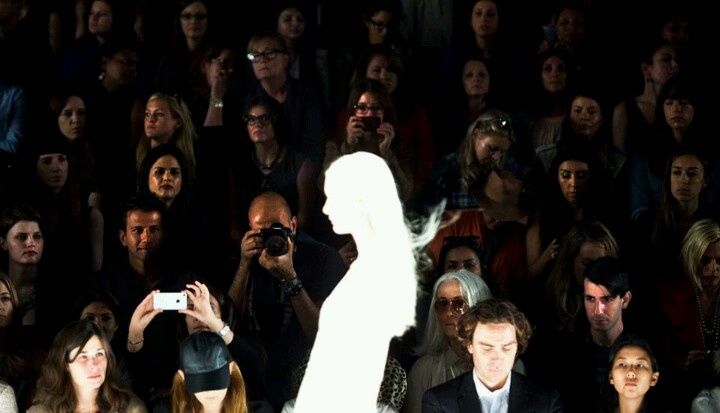
Contrast

Luminance differential; visual hierarchy through opposition
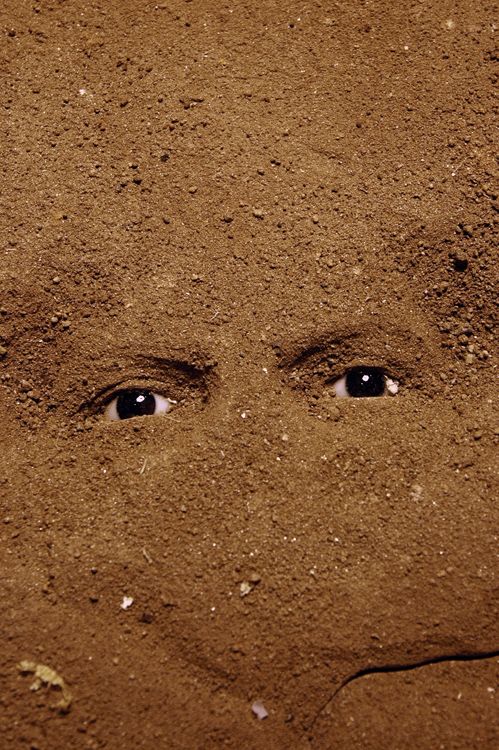
Texture

Surface quality, tactile suggestion, material presence
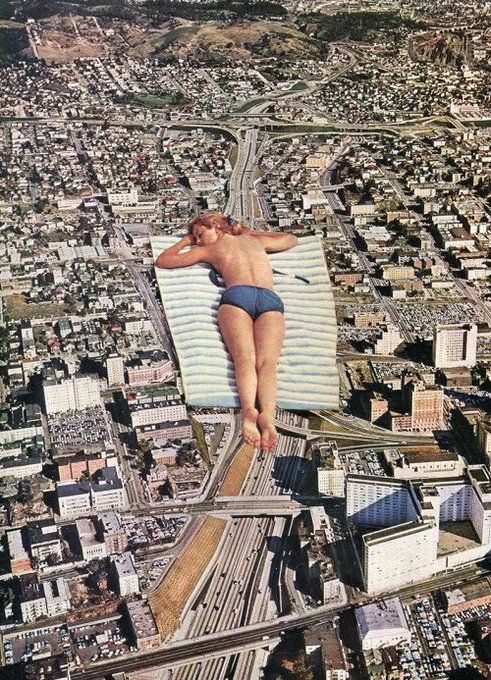
Scale

Relative size relationships, monumentality or intimacy
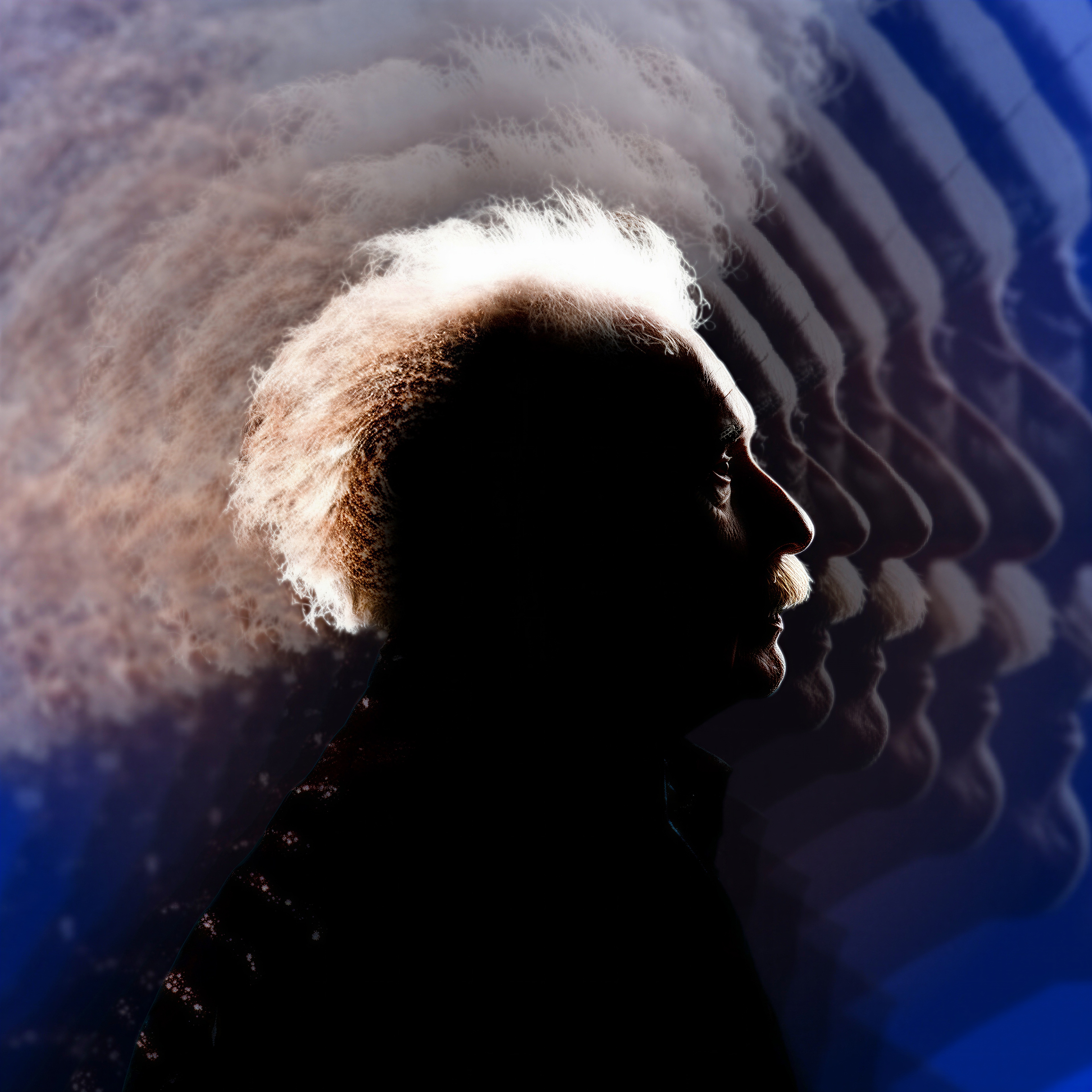
Rhythm

Visual repetition and interval, pacing the eye
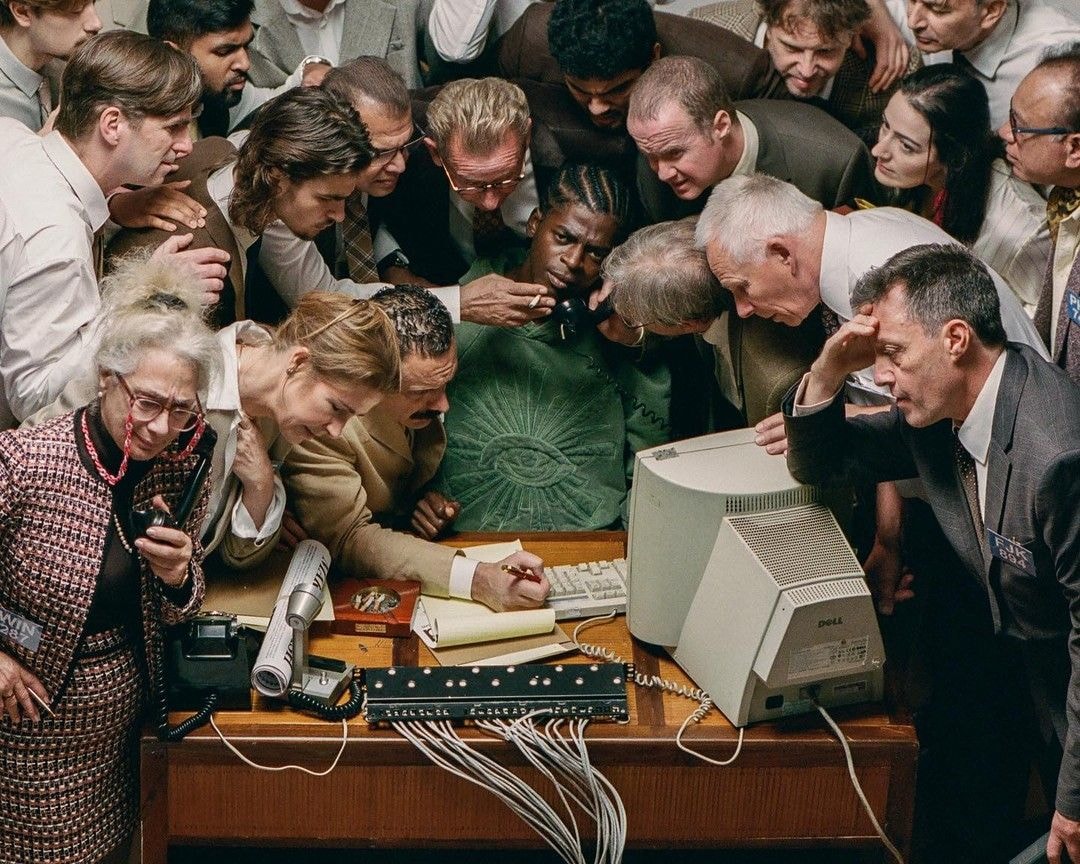
density

number of element in the composition
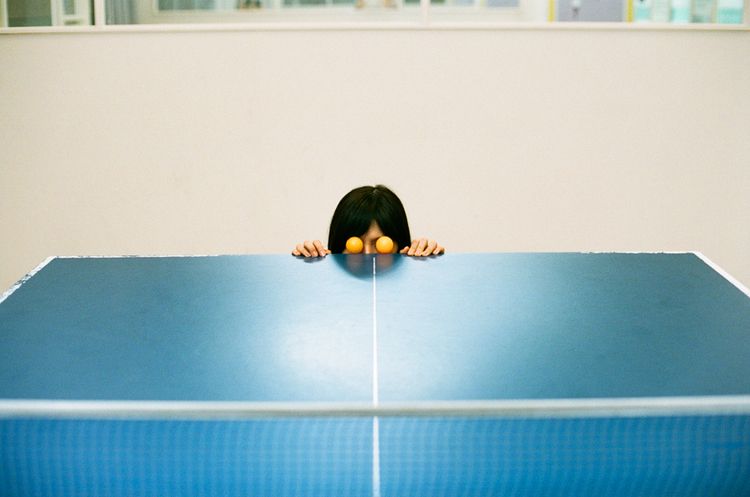
Balance

Distribution of visual weight—symmetrical or dynamic
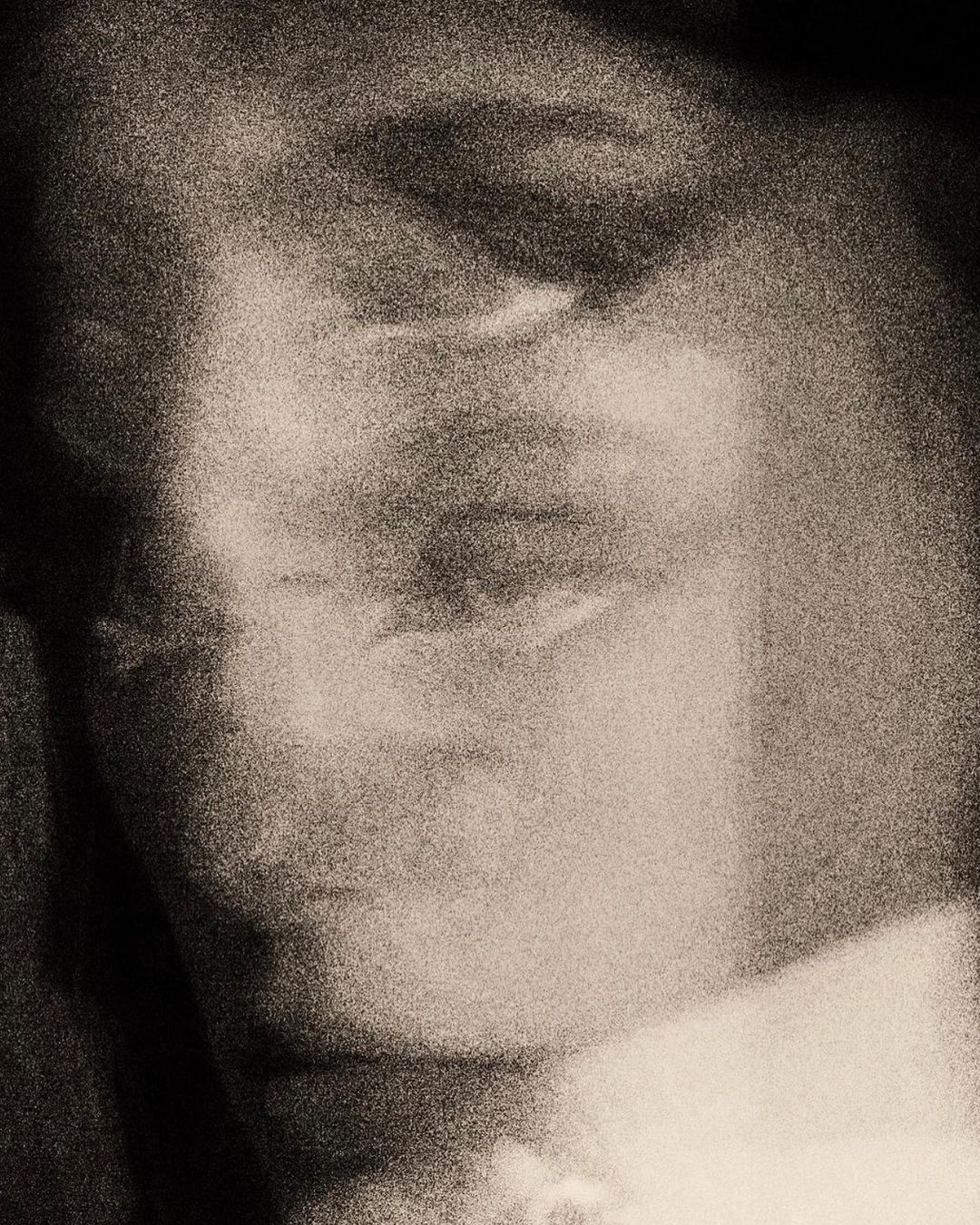
Opacity

Edge definition, focal precision vs. atmospheric softness
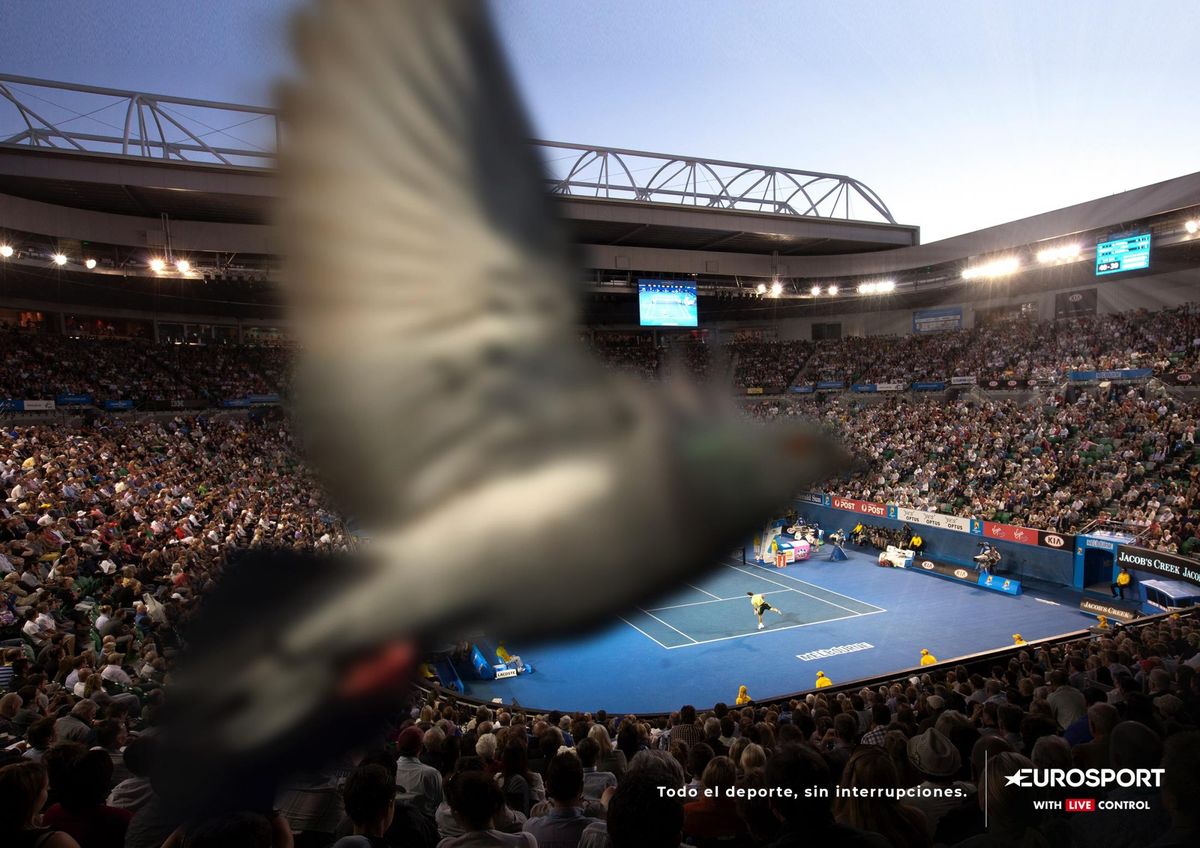
Depth

Z-axis layering, foreground/midground/background
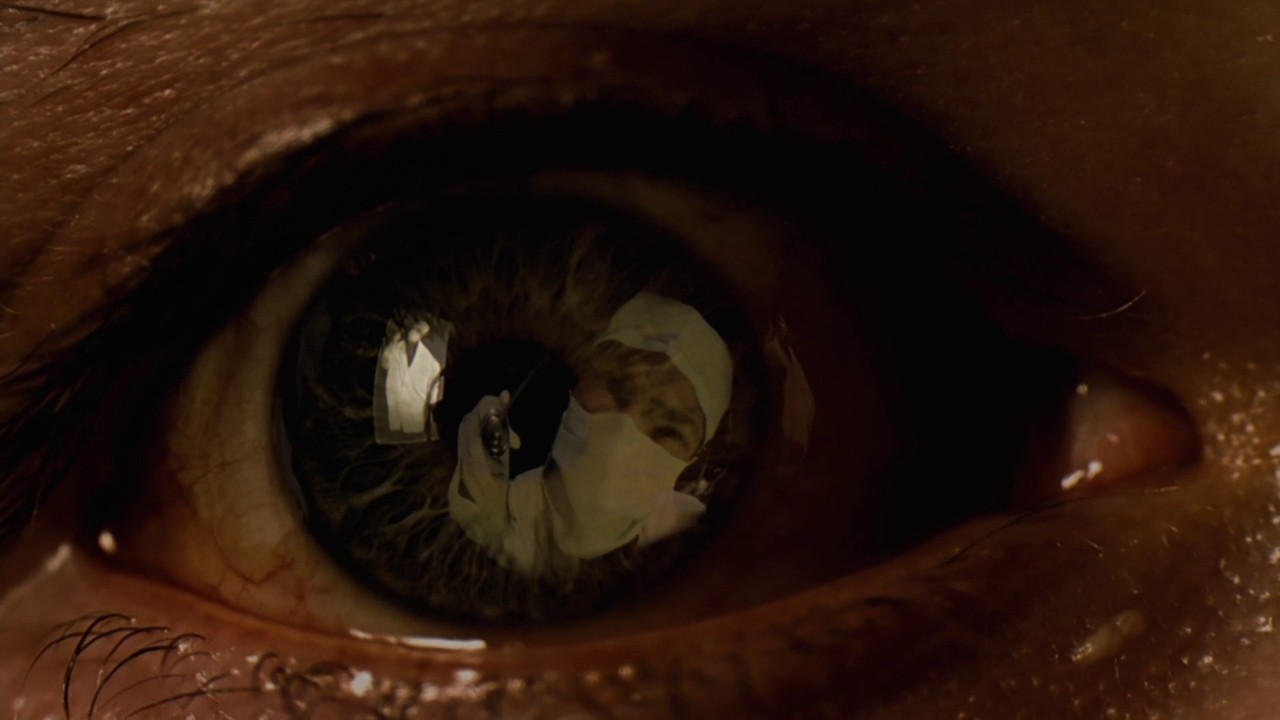
Reflection

Transparency layering, ghosting, superimposition
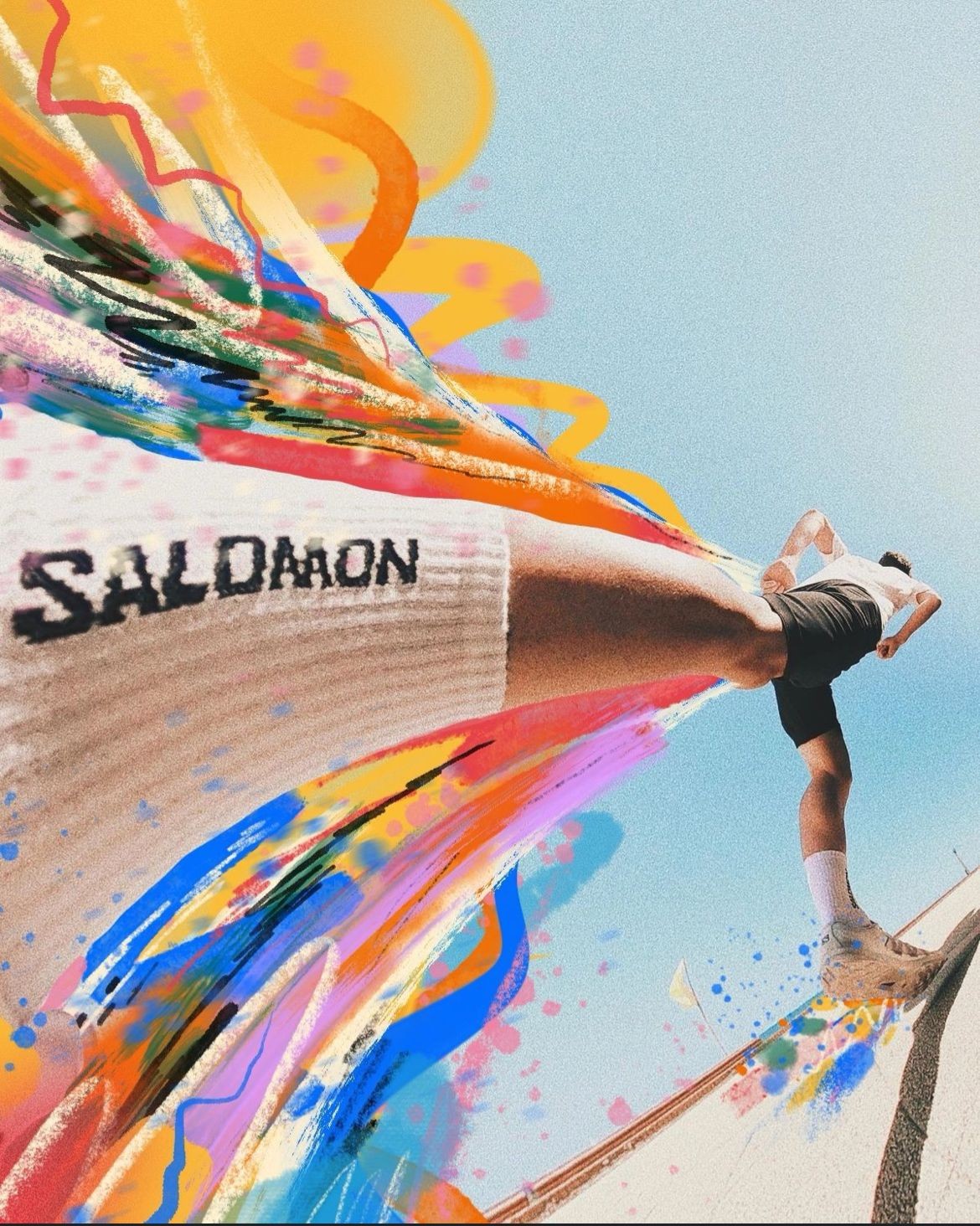
Motion

Implied or actual movement, directional energy
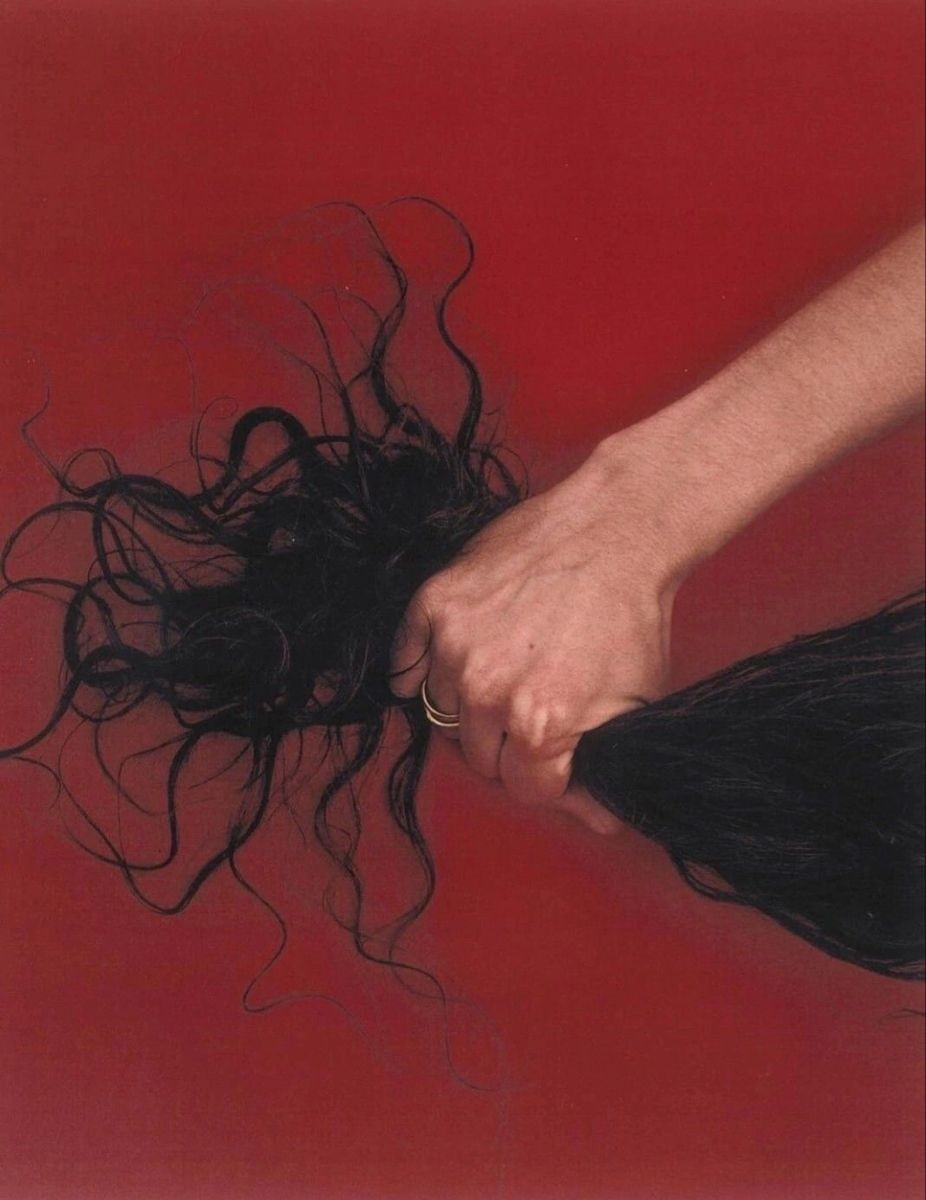
Crop

Frame boundary as editorial decision
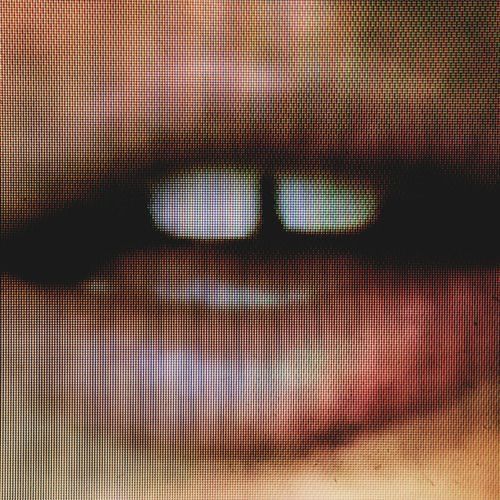
Grain

Noise structure, analog residue, temporal texture
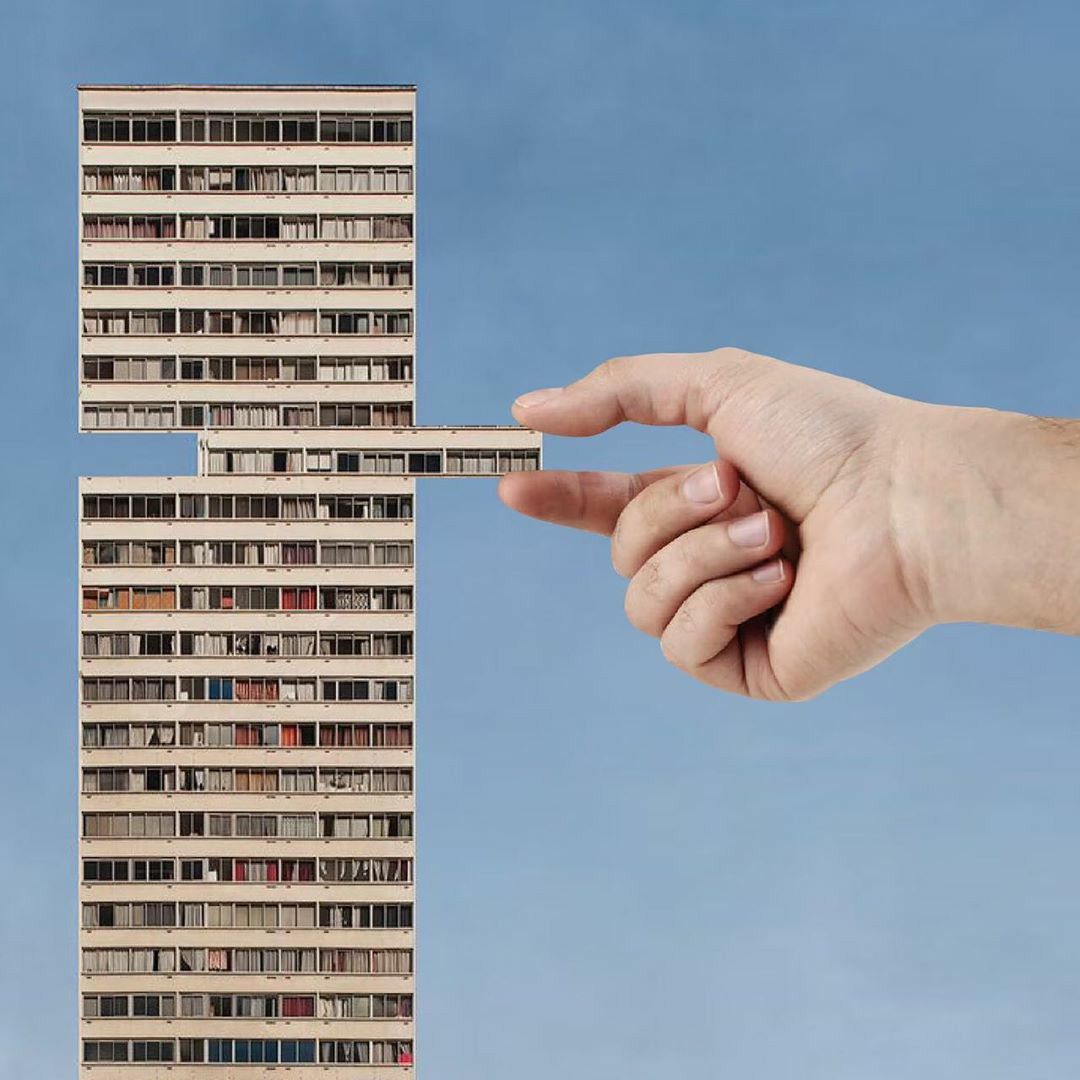
Perspective

Dimensional ratio, cinematic or native format

Types of shots

Close-up

(ex:textures)
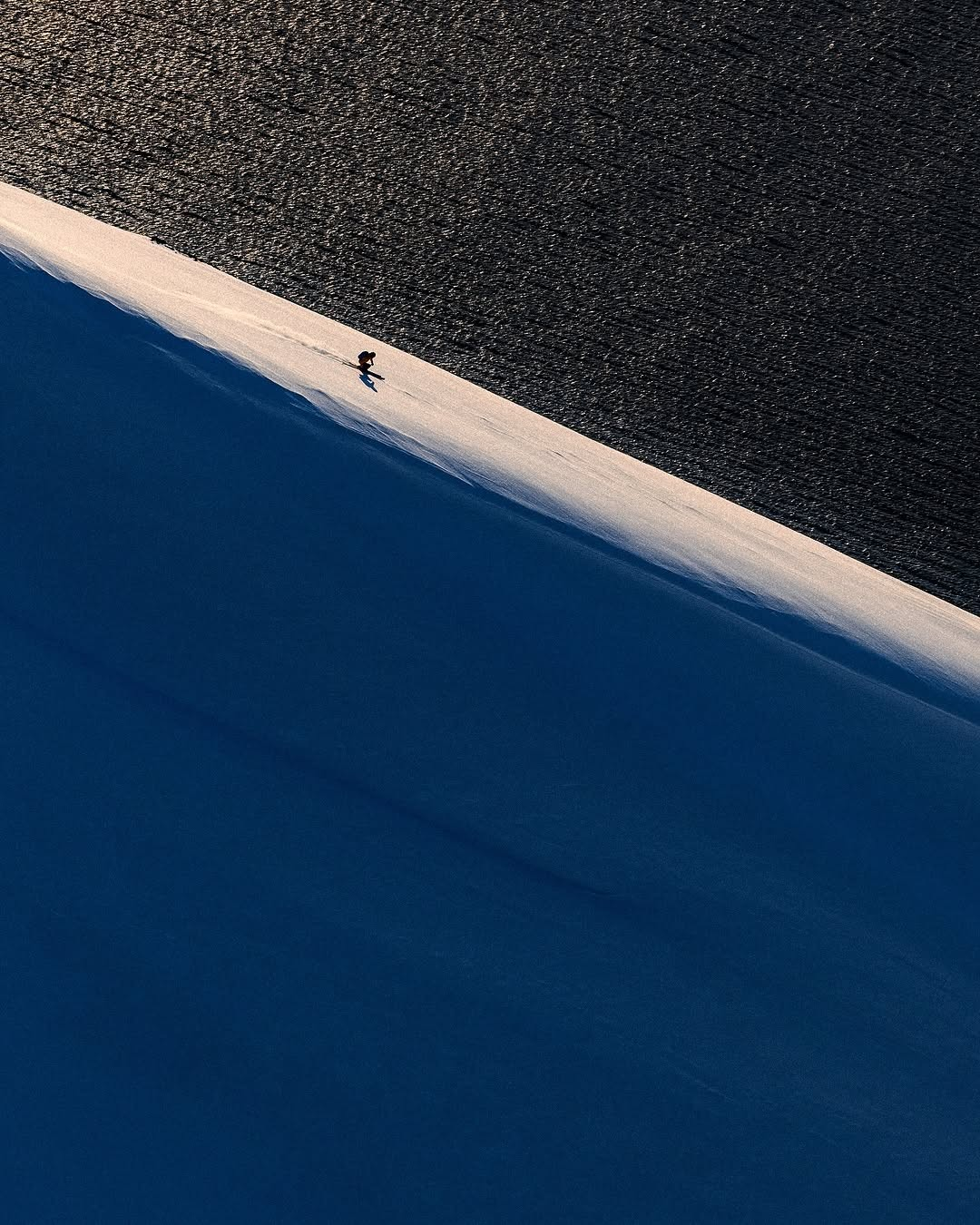
distant

(ex:longshot)

movement

(ex:Dynamic)
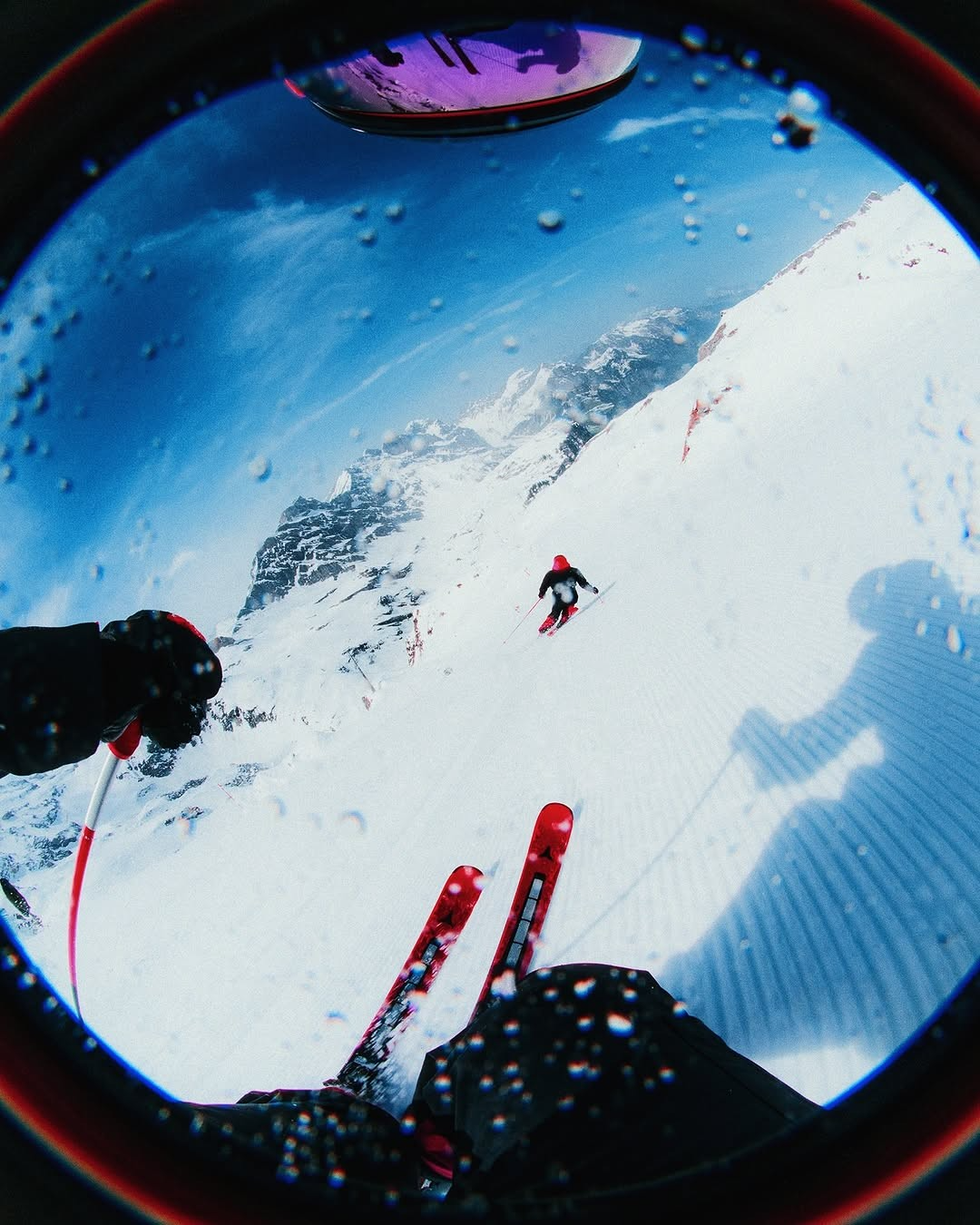
POV

(ex:experience)
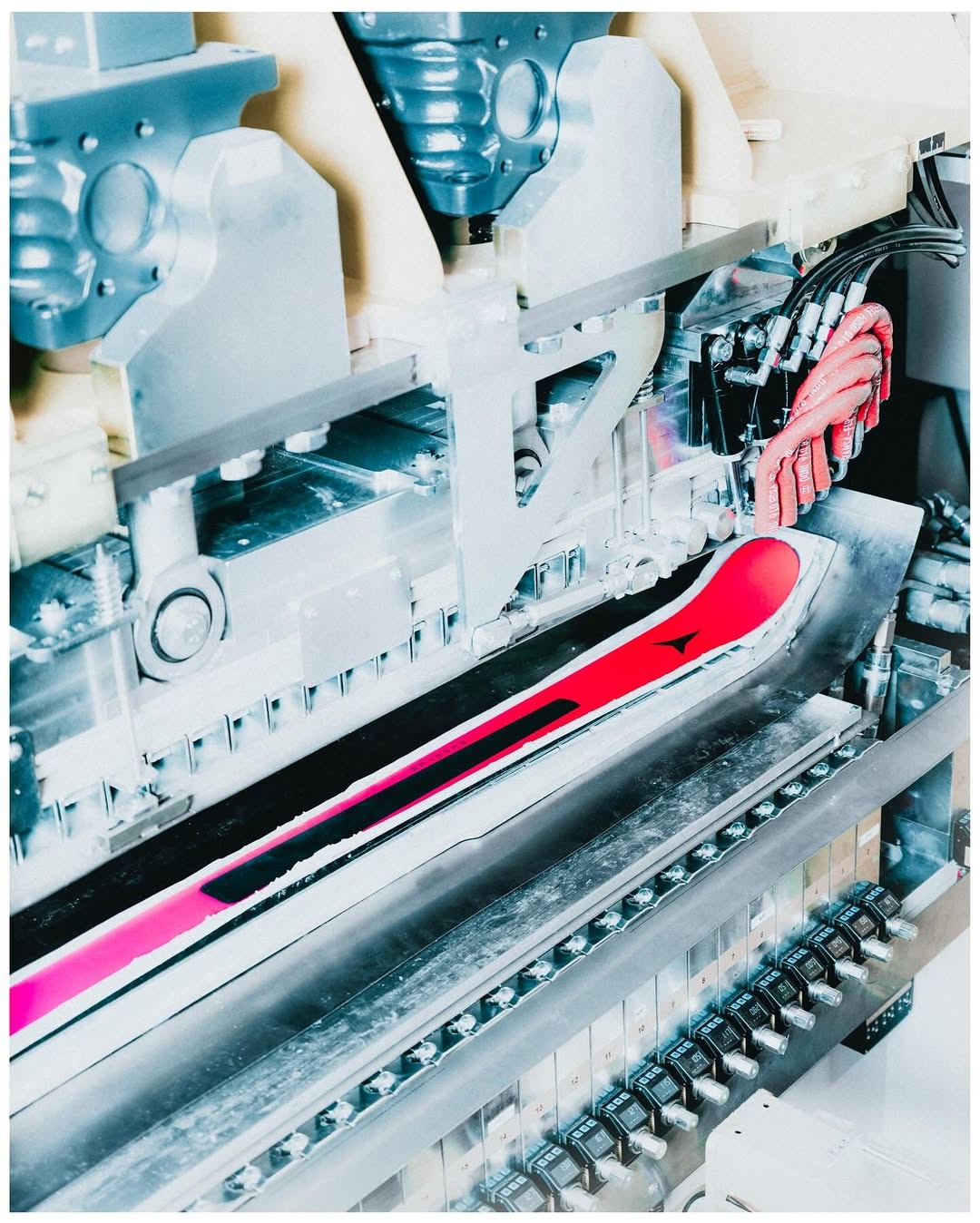
B.T.s

(ex:Process)
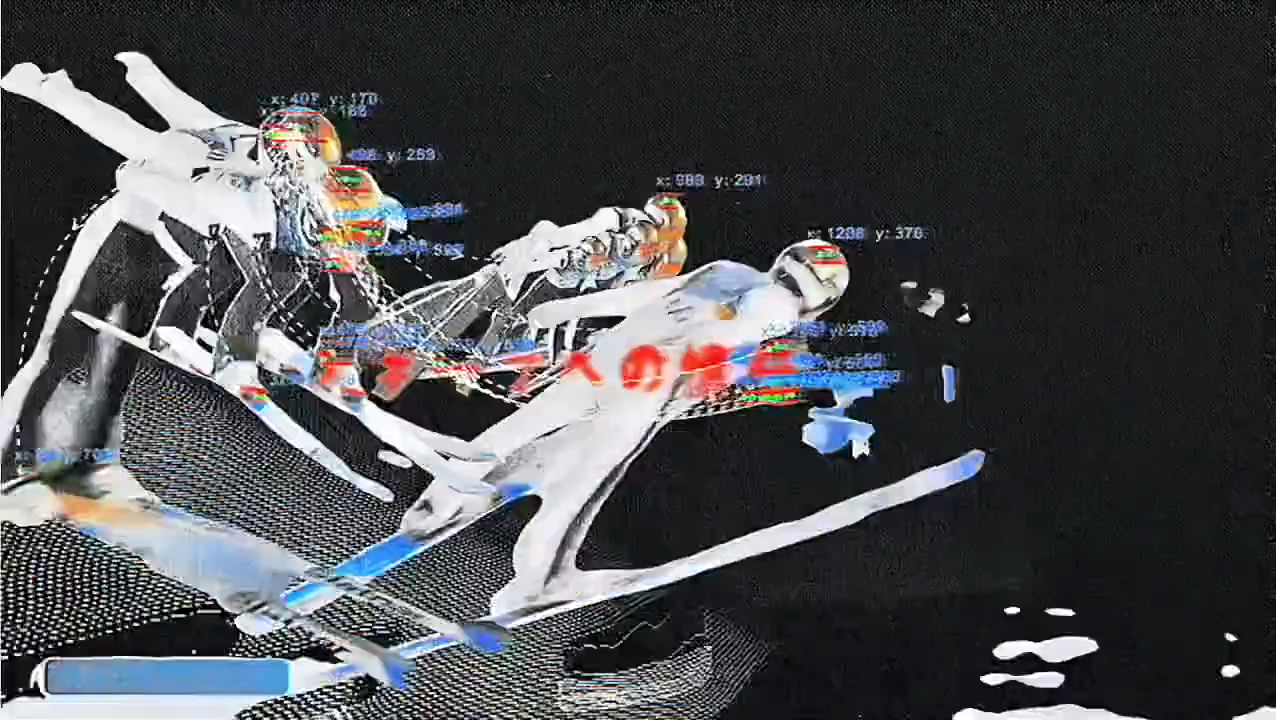
Creative

(ex:Experimental)
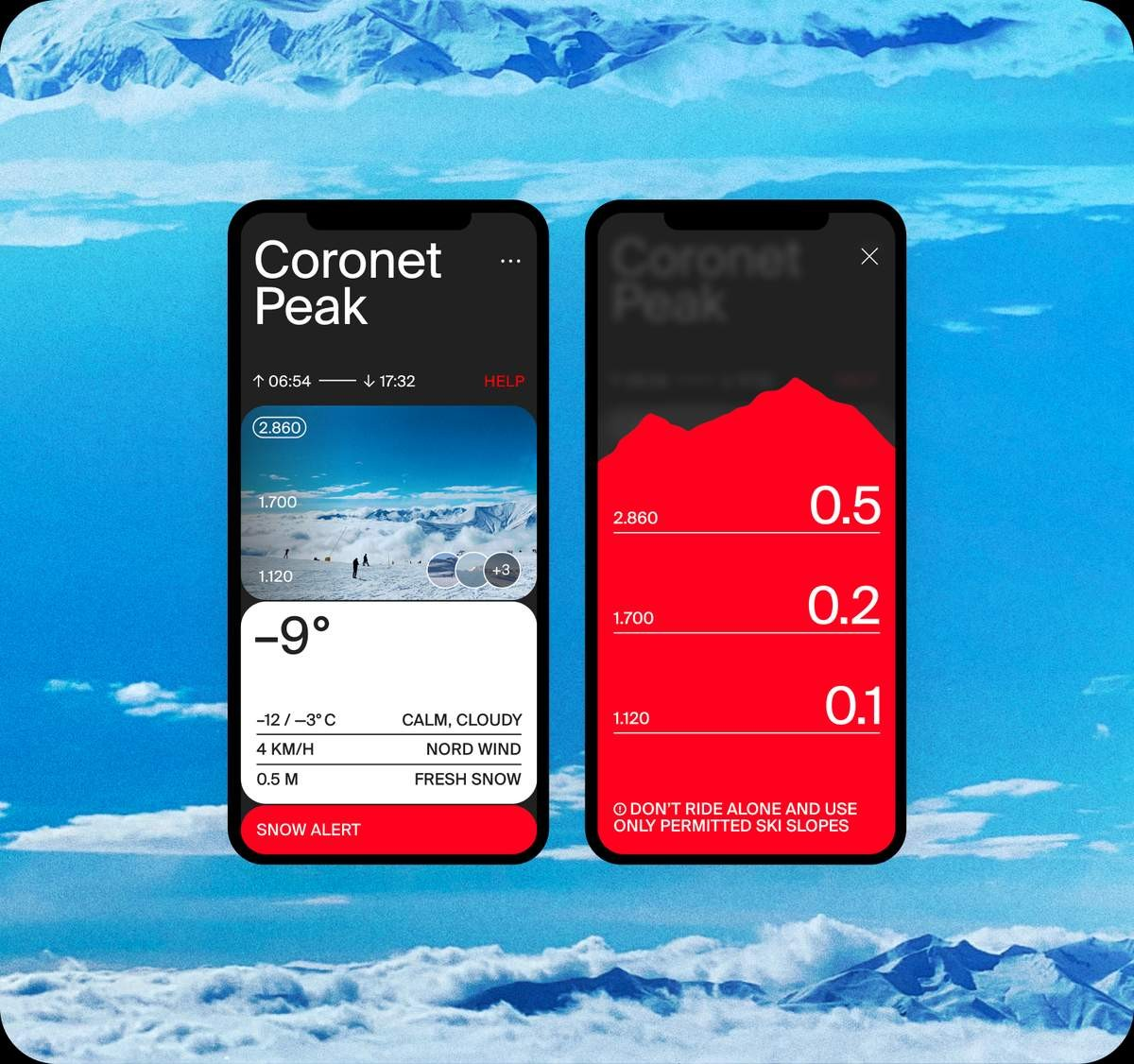
technology

(ex:Interface,tools)
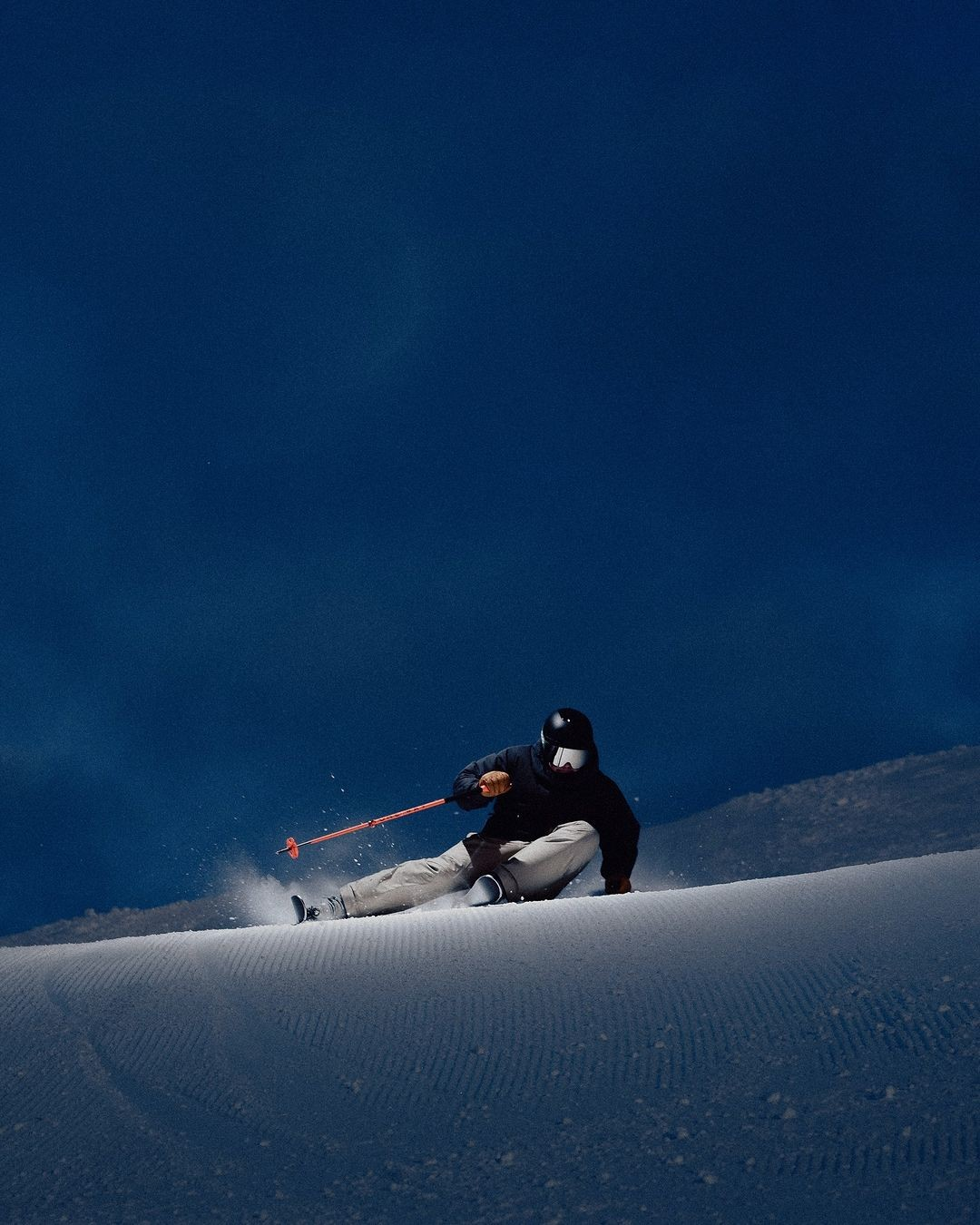
facing

(ex:Contextual)
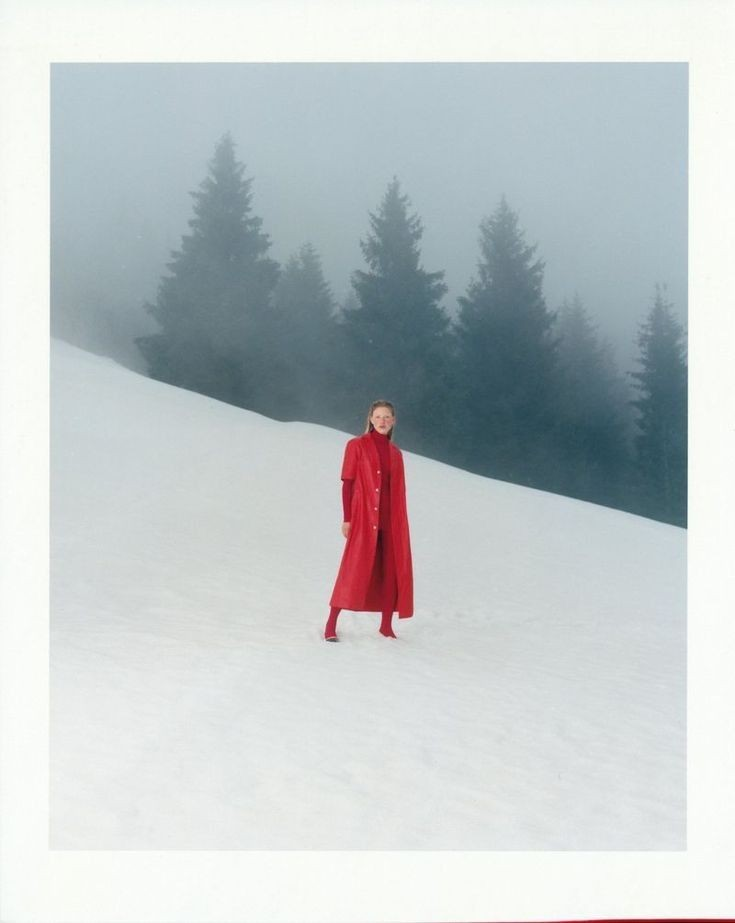
full body

(ex:full subject)
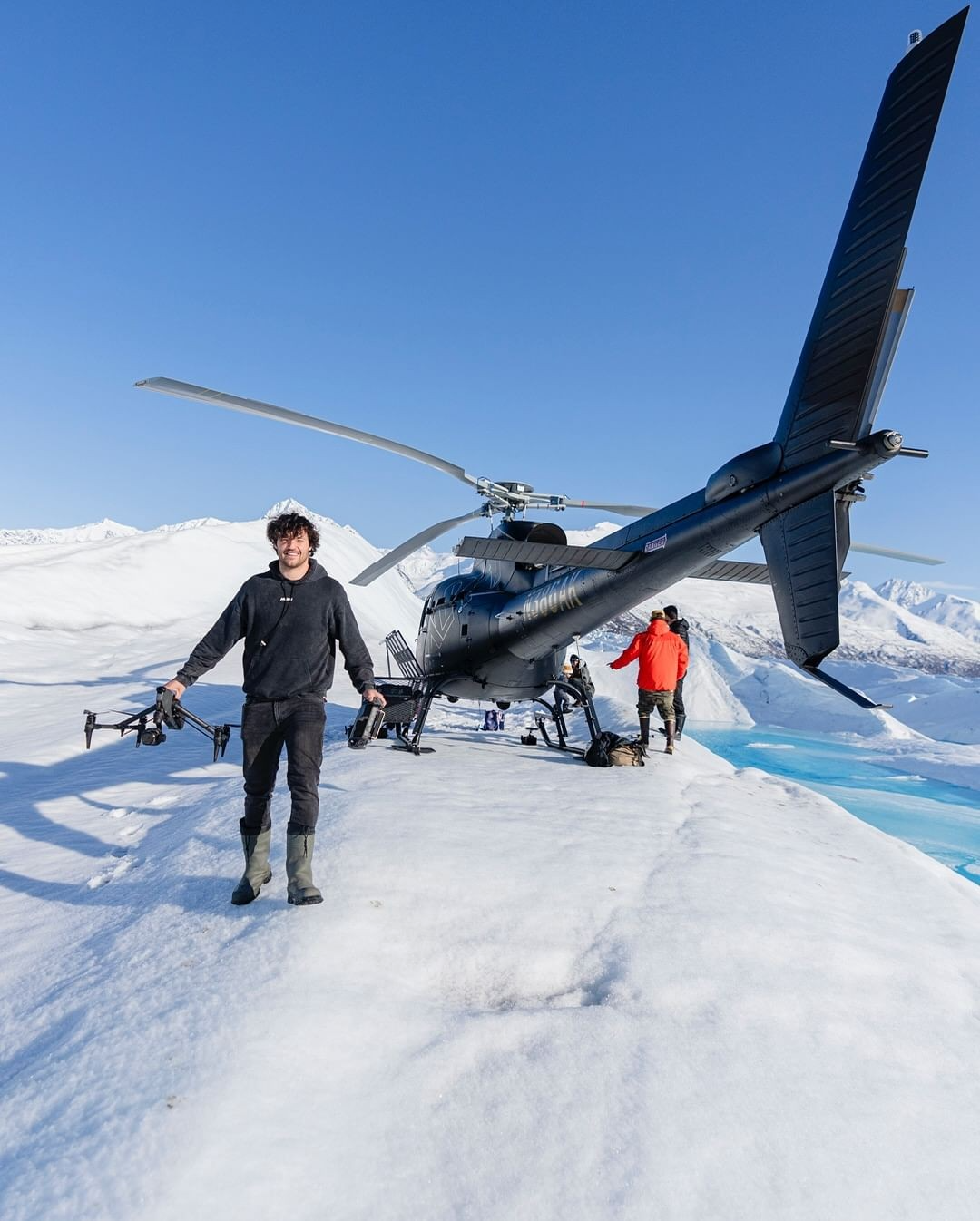
lifestyle

(ex:Aspiration)

product

(ex:central scene)
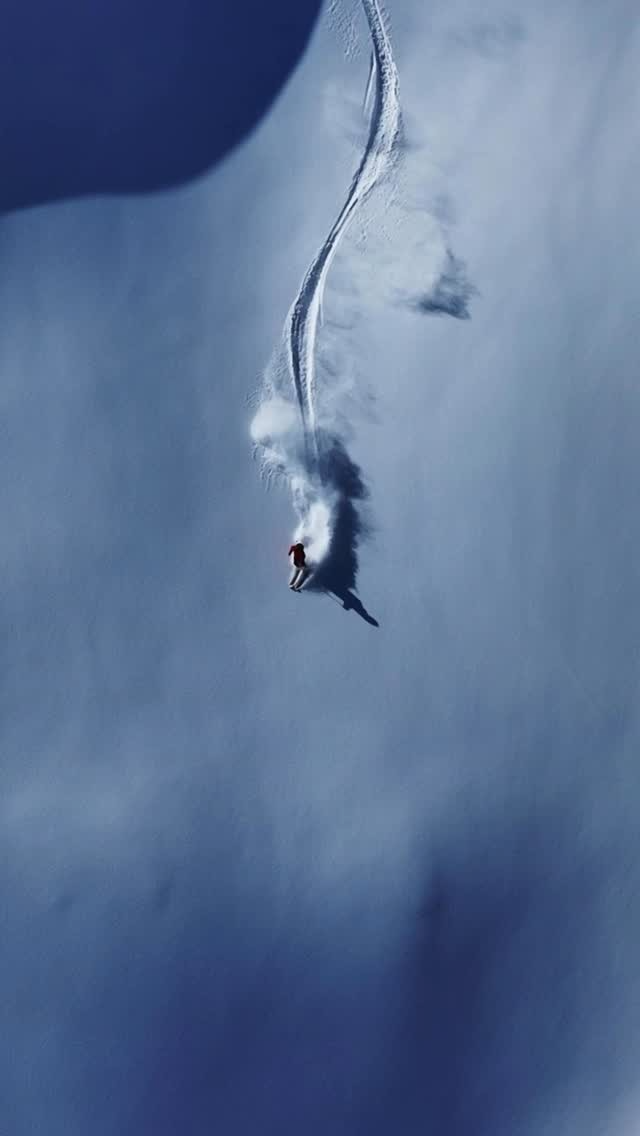
Aerial

(ex:drone shot)
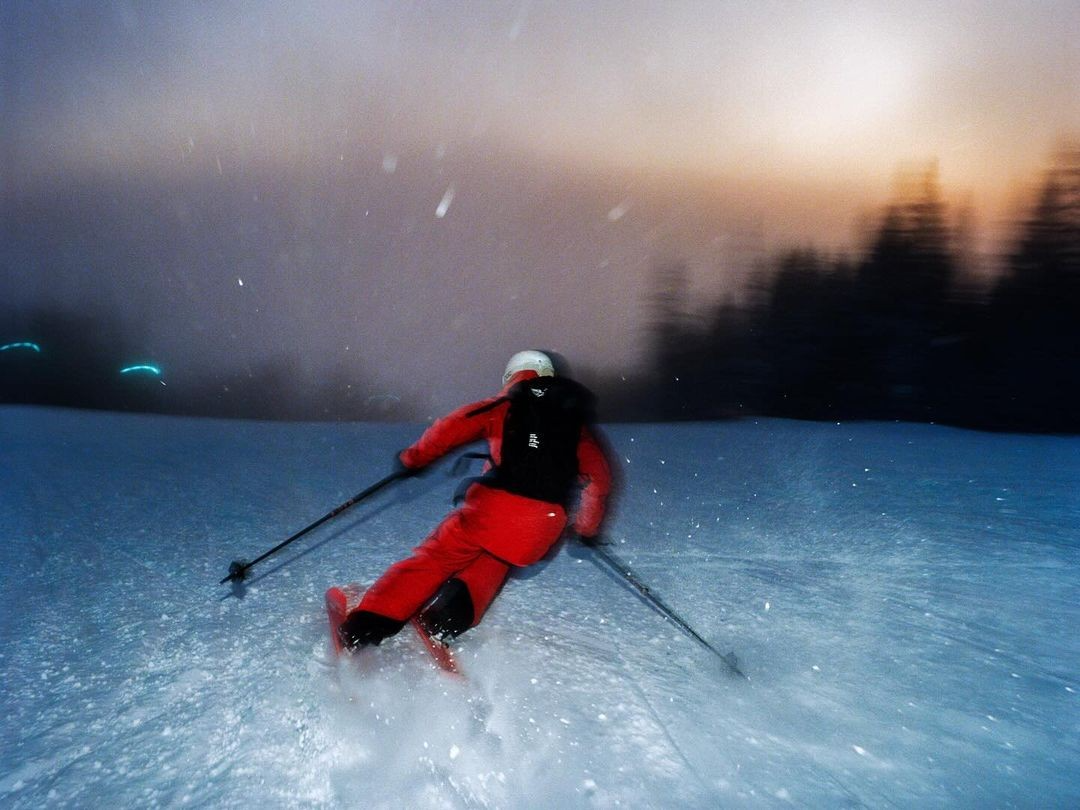
Flash

(ex:Over-exposed)
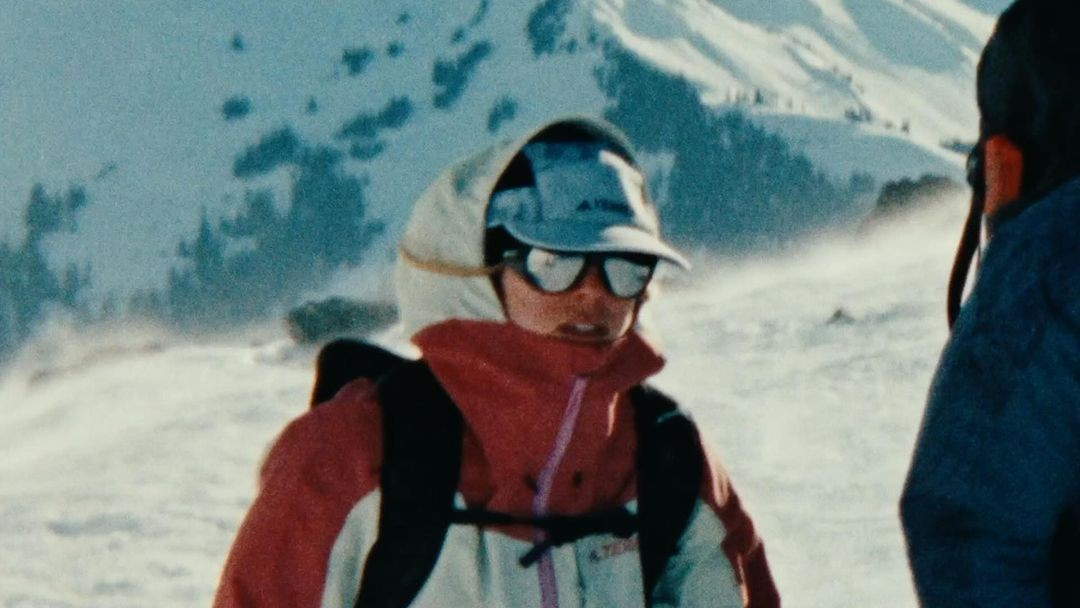
Film

(ex:Grainy)
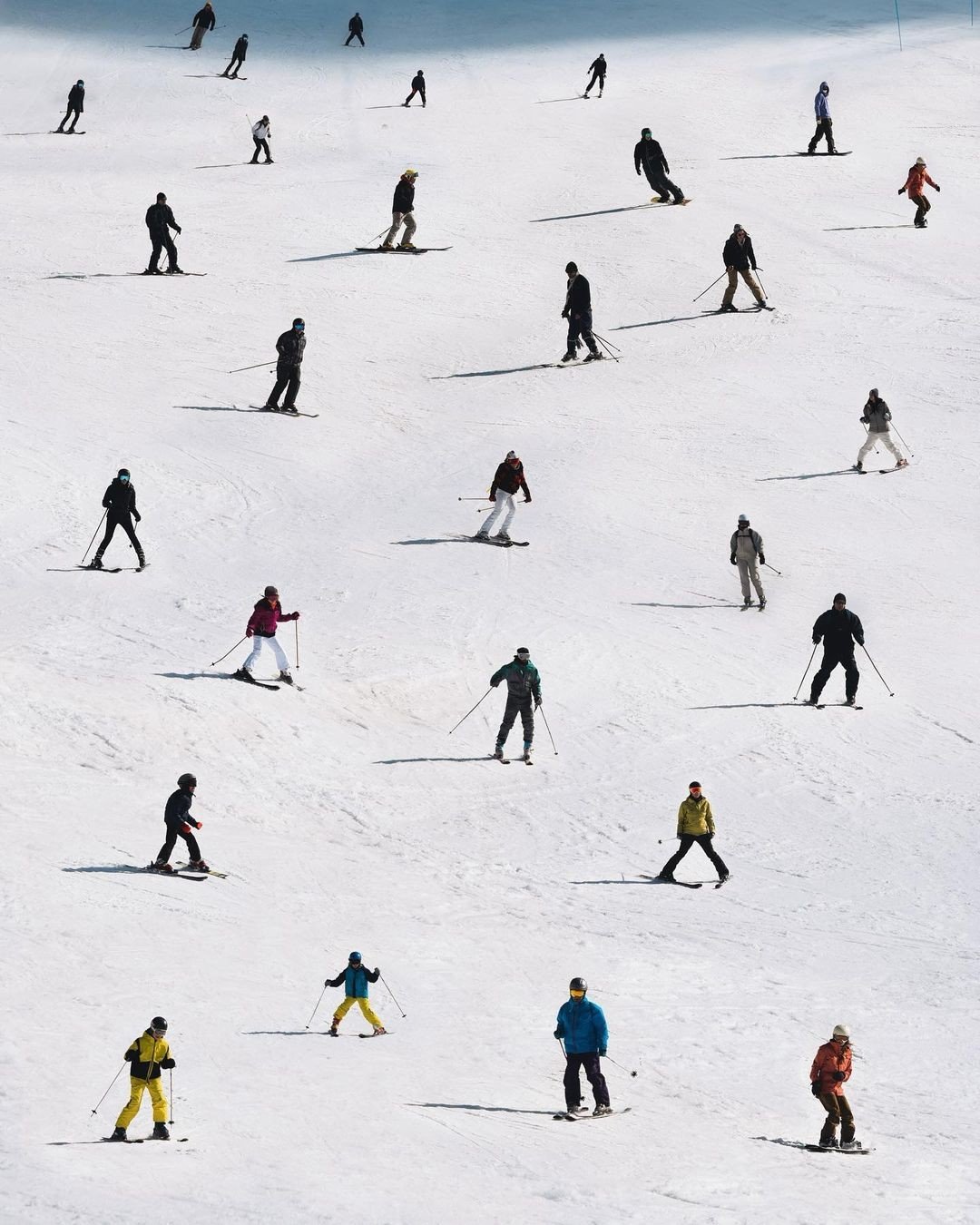
Isometric

(ex:45-degree)
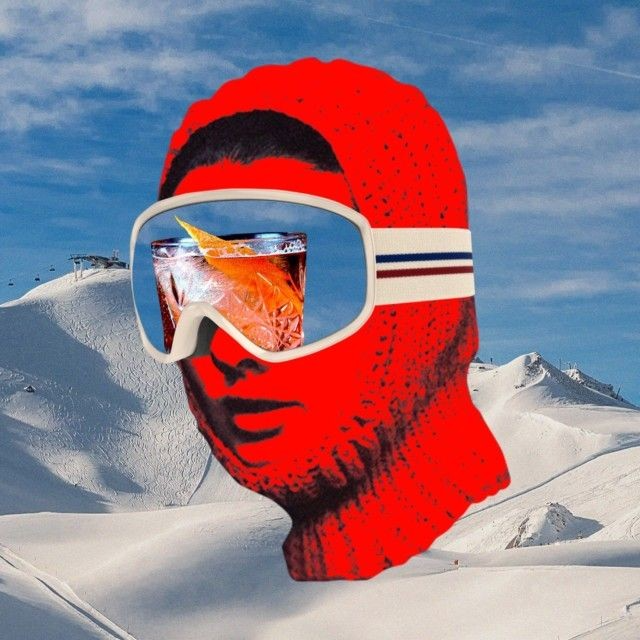
collage

(ex:High above)
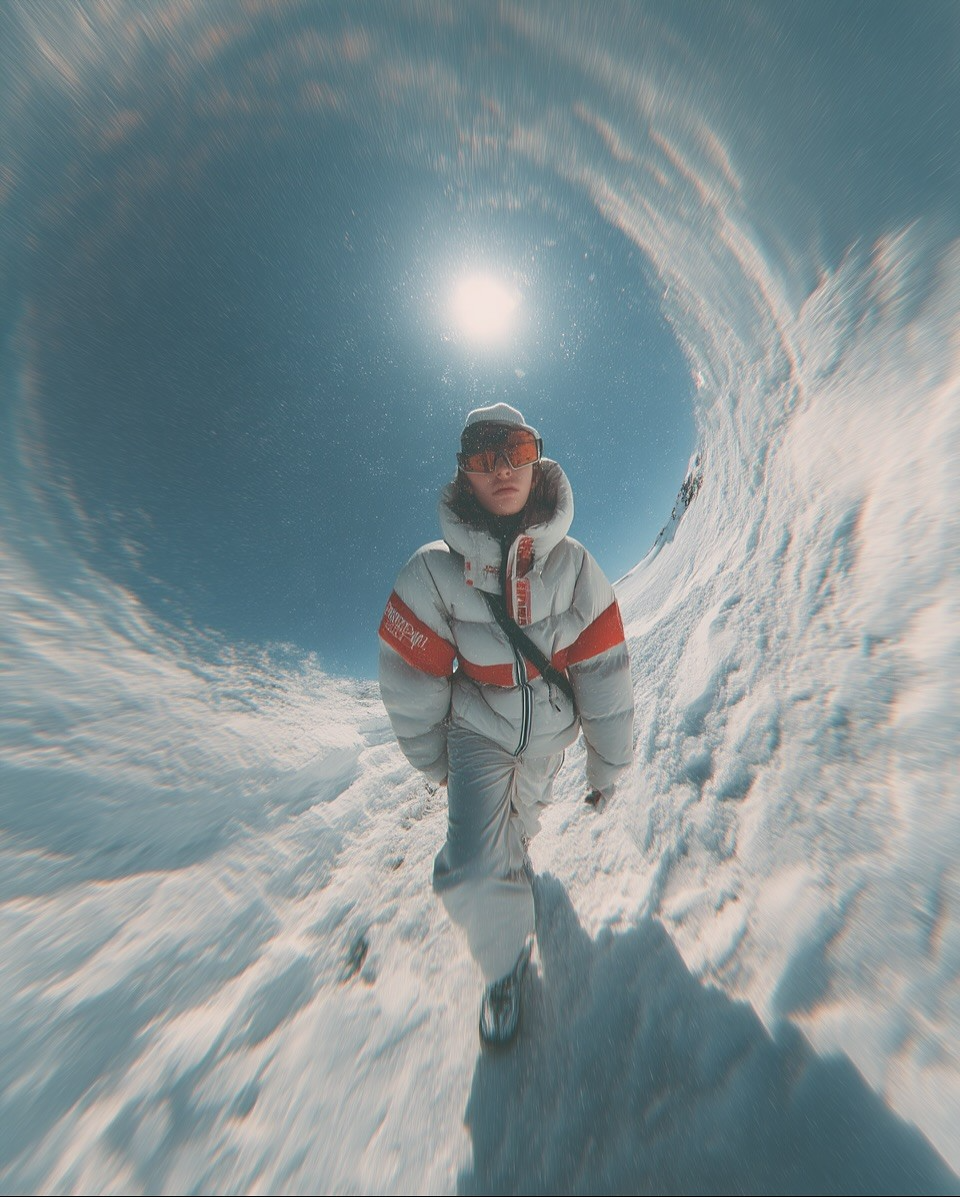
Fisheye

(ex:Wide angle)
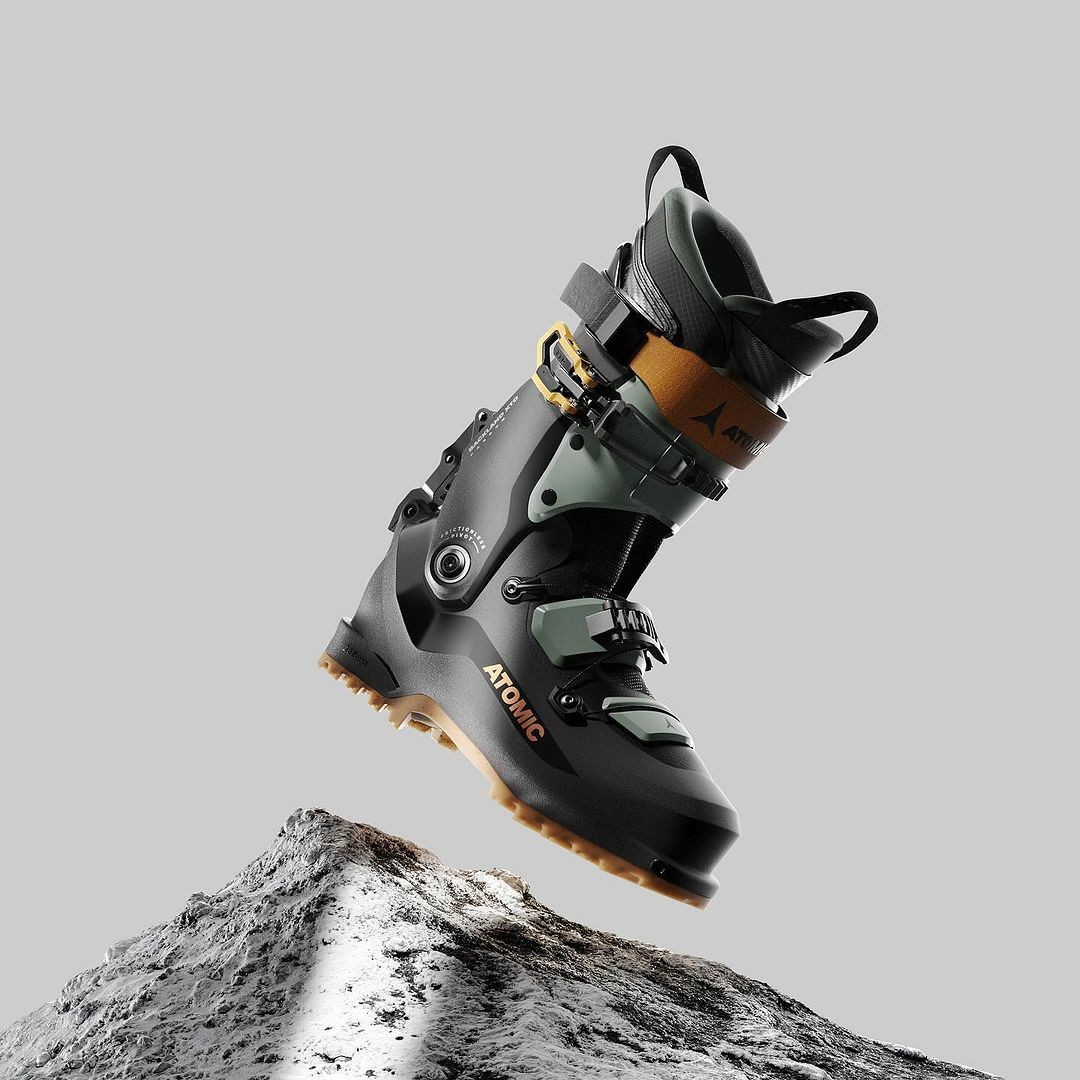
render

(ex:3d, digital)
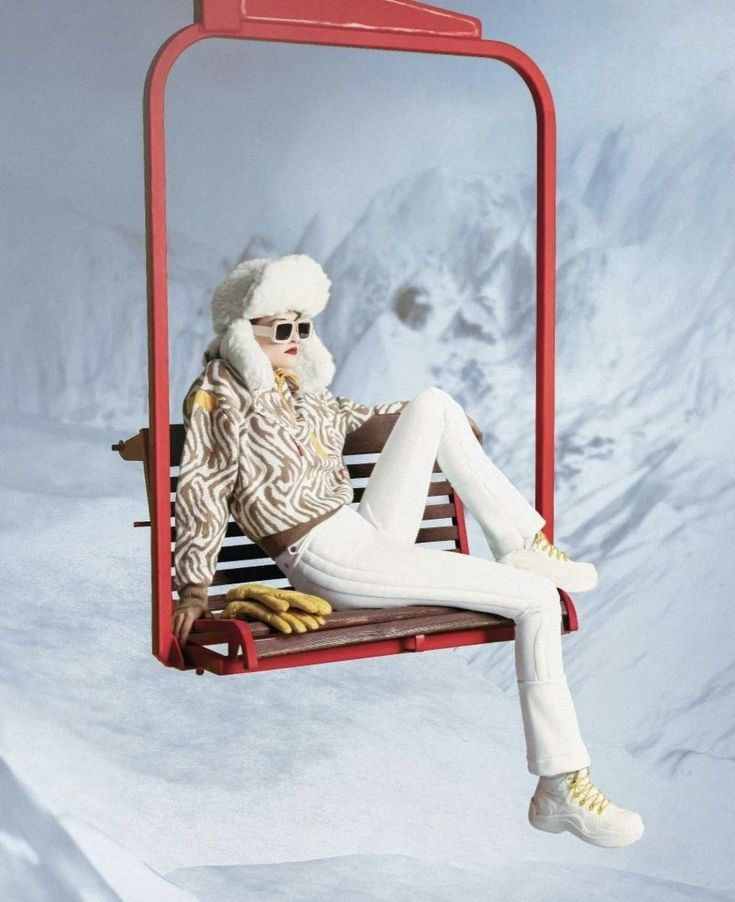
photoshoot

(ex:editorial)
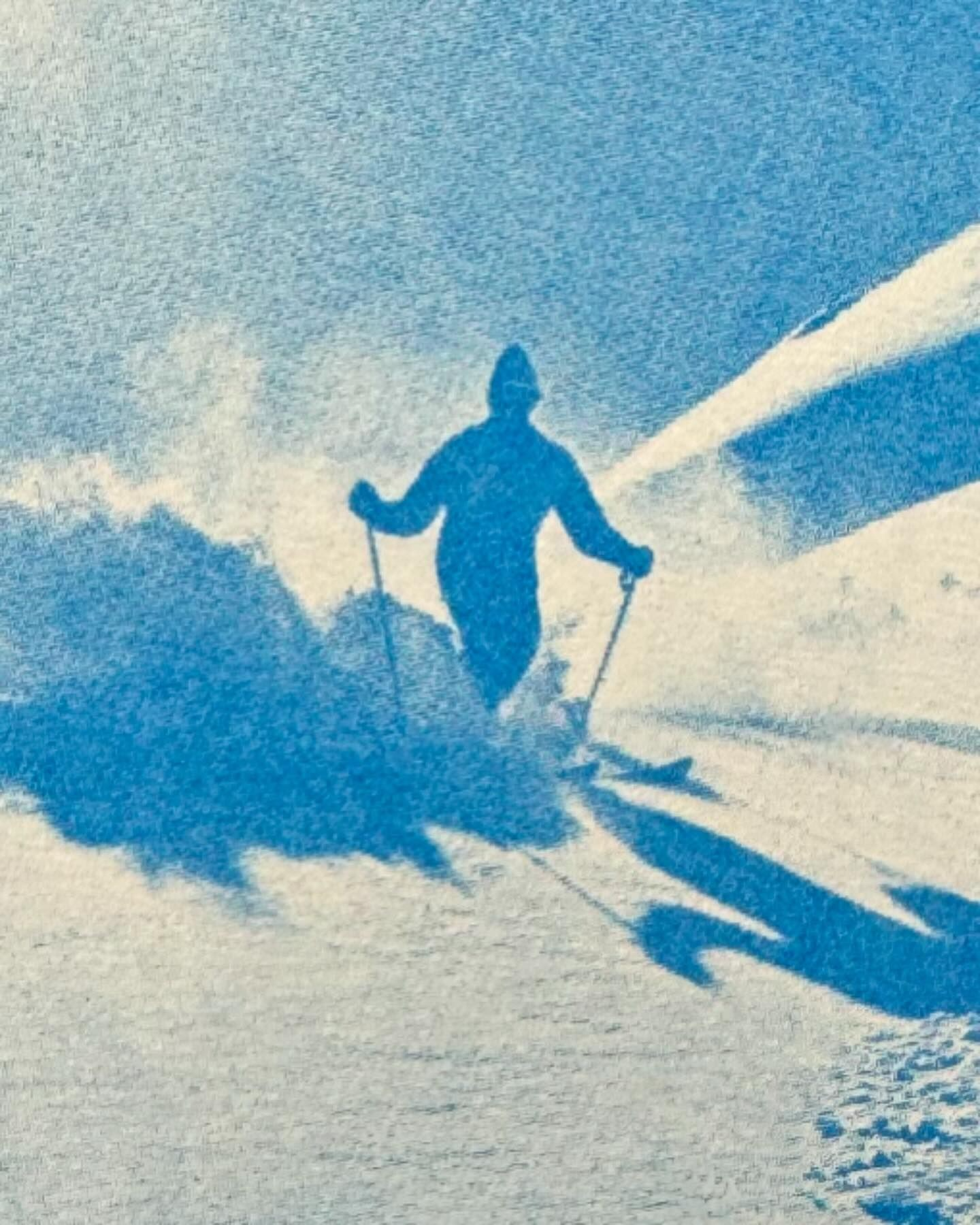
monotone

(ex:minimal colors)
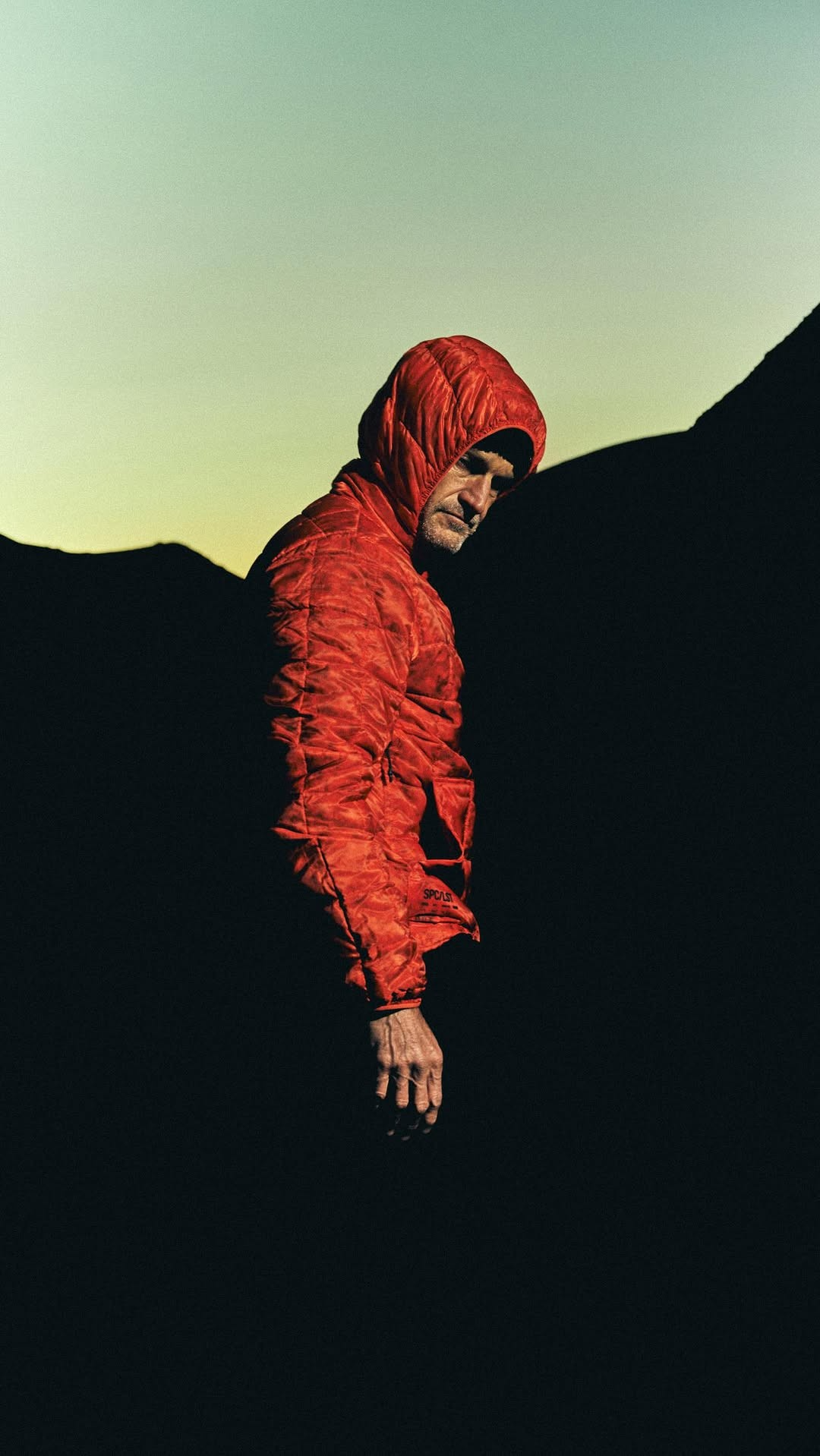
Noir

(ex:High contrast)
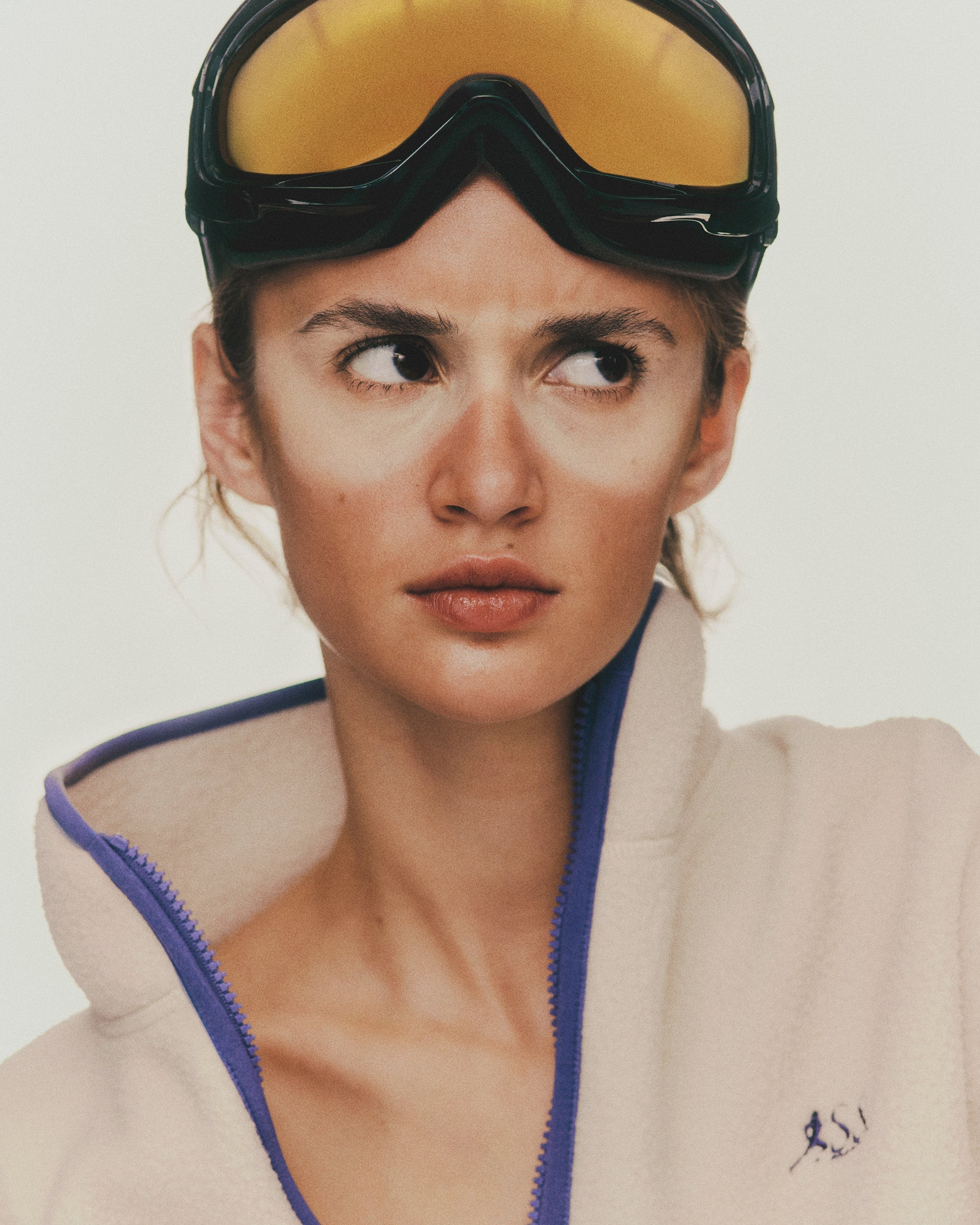
portrait

(ex:of user)
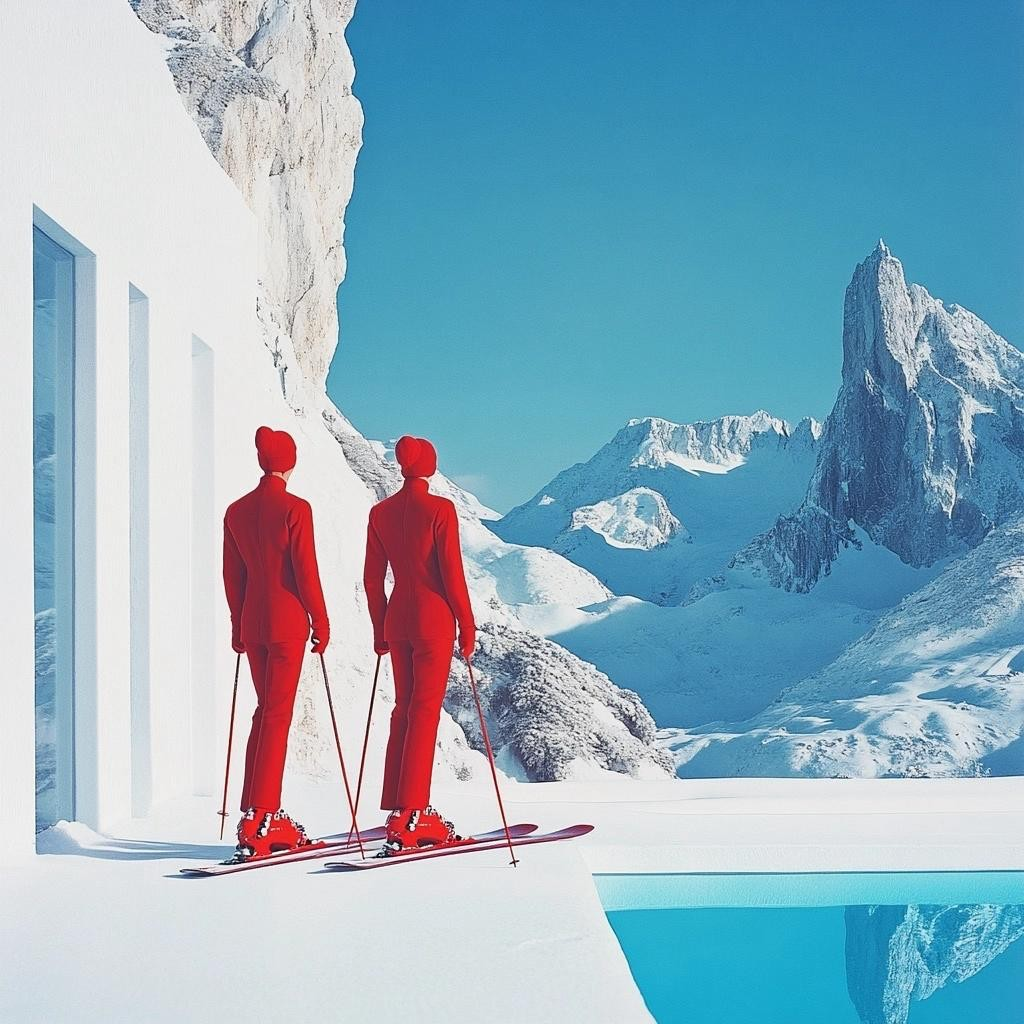
Surreal

(ex:impossible)
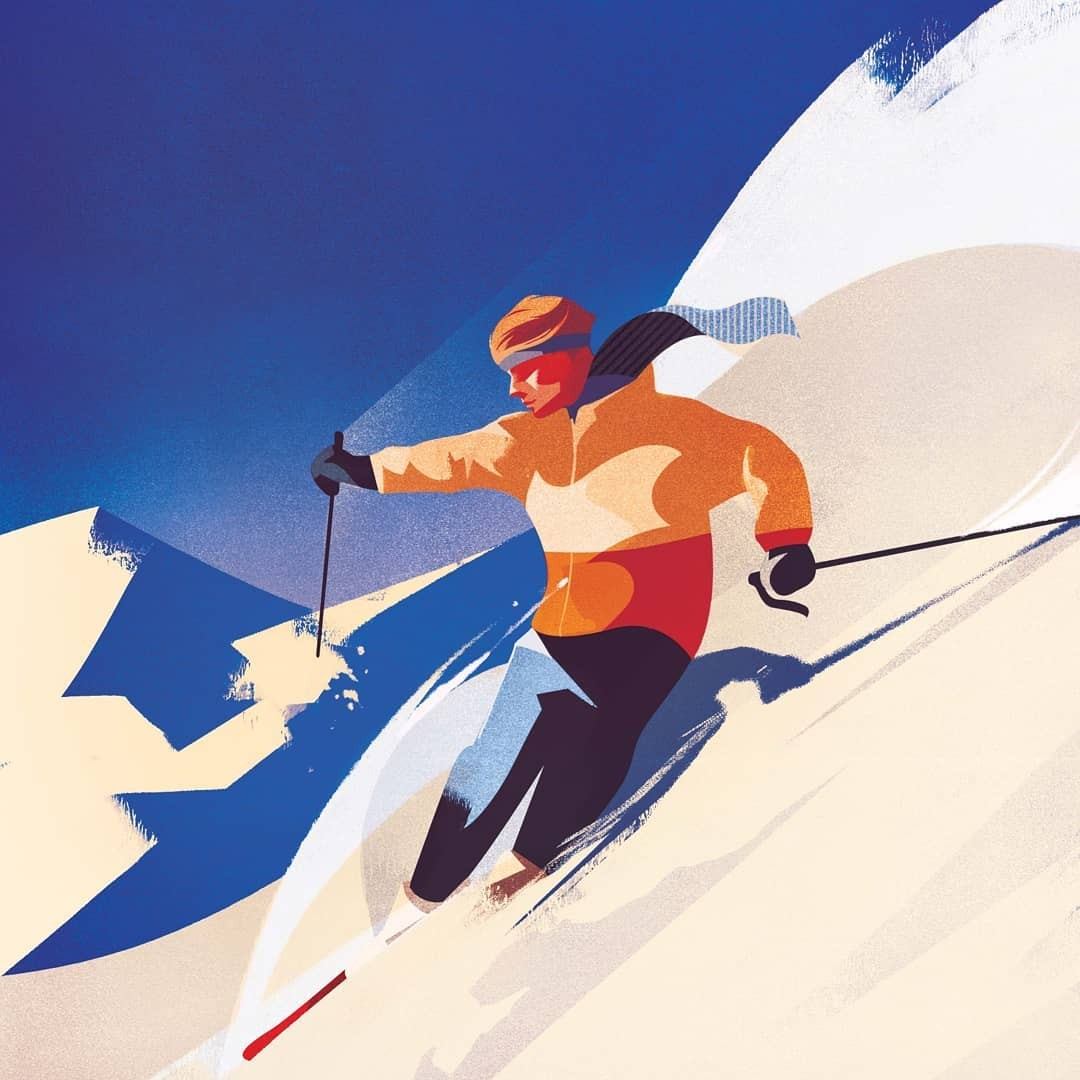
illustrative

(ex:art, hand-made)
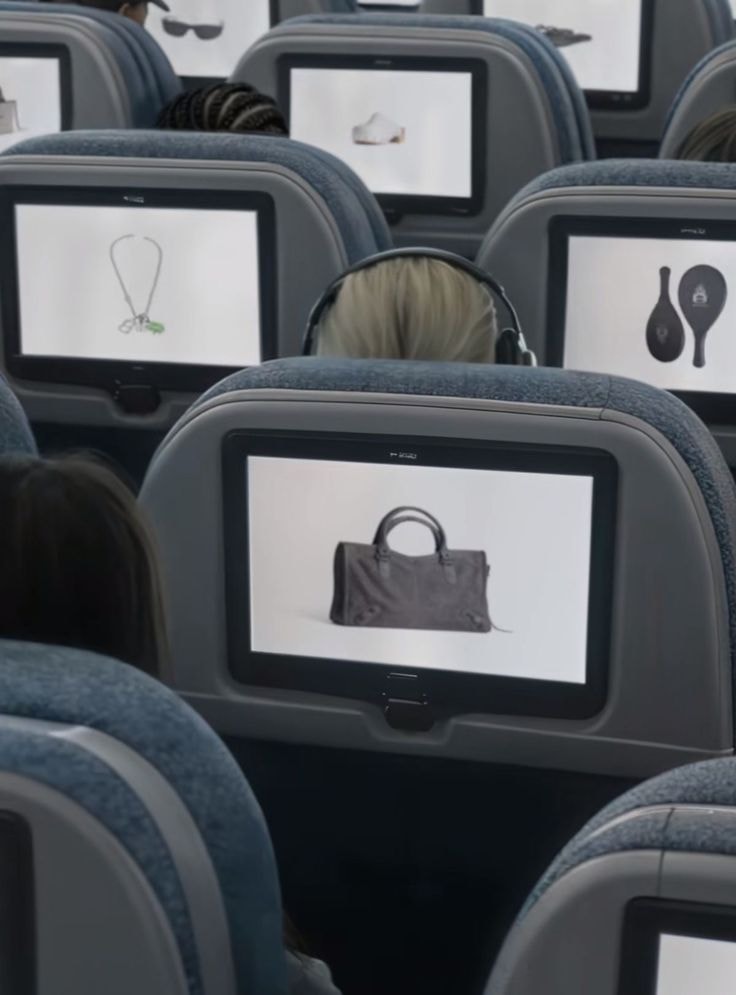
Mockups (System Layer)

Real-world or digital context simulations of designs.

Ex: billboard, poster. etc

Billboard Mockups

Large-scale outdoor ad simulations in real environments.

Ex: ad placed on city billboard
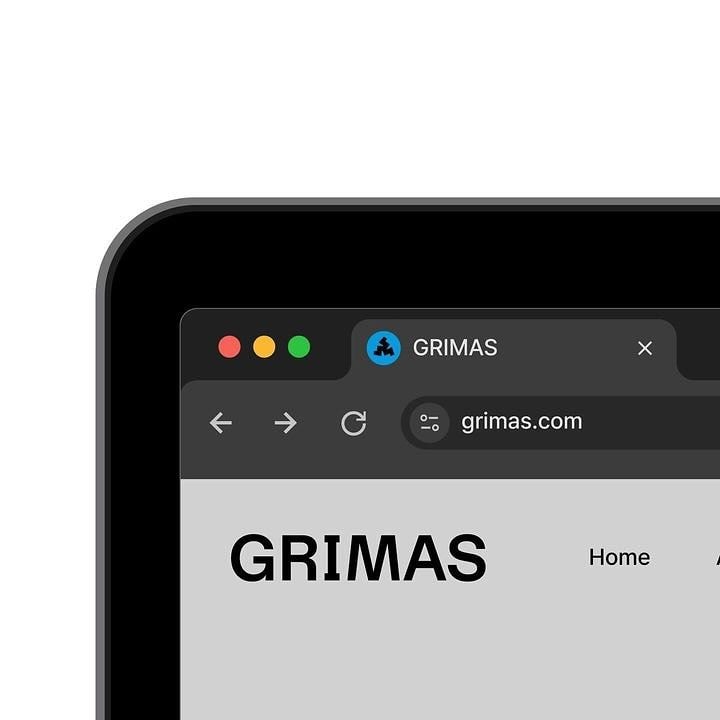
Close-Up Digital Assets

Zoomed-in detail shots of UI, icons, or design elements.

Ex: close-up of buttons and UI texture
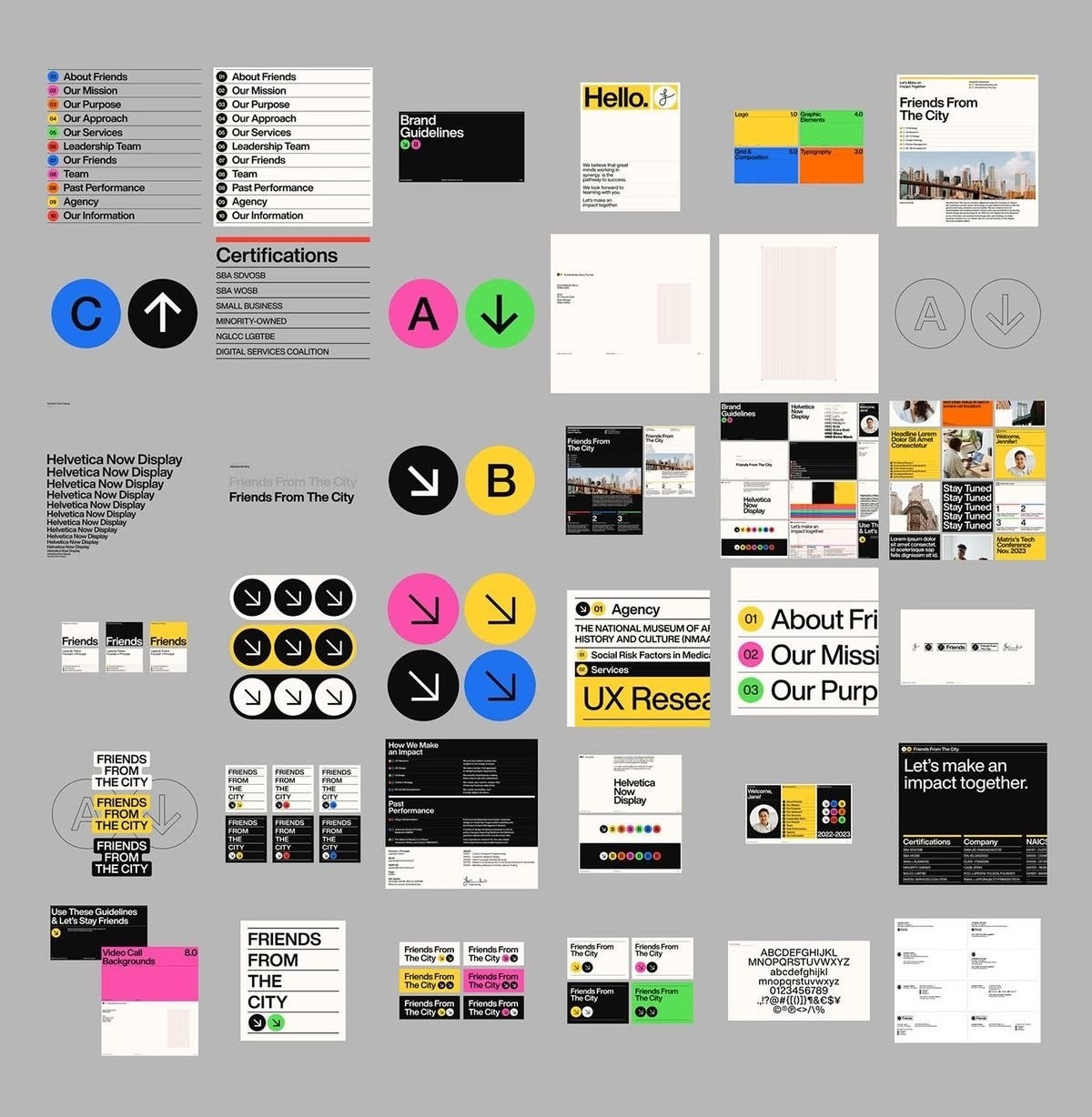
UI / Product Systems

Actual functional interfaces of digital products.

Ex: SaaS dashboard screens and states

back to top

J

U

J

U

M

O

O

M